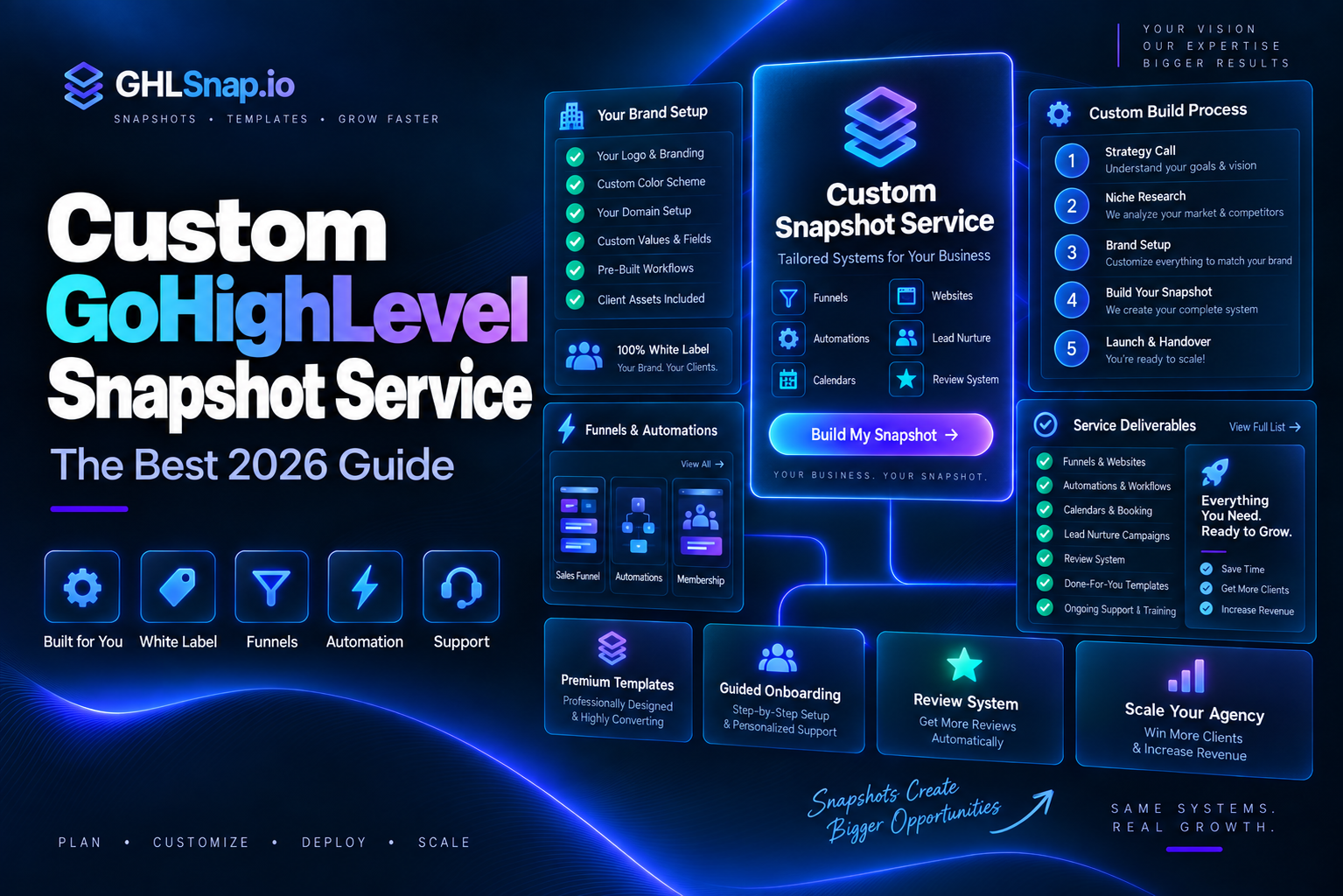
A snapshot can save you weeks of GoHighLevel setup. But what if no ready made snapshot fits your business? That is when people start looking for a custom GoHighLevel snapshot service.
This guide explains what a custom GoHighLevel snapshot service includes, how the build process works, what it can and cannot copy, and how to pick a good provider. We also show a faster path that many agencies use instead.
First, What Is a GoHighLevel Snapshot?
A snapshot is a saved copy of a GoHighLevel sub account setup. You can load it into another sub account in a few clicks. It copies the “systems,” not the customers.
Think of it like a house blueprint. The rooms, doors, and wiring come with it. The furniture and the family do not.
What Is a Custom GoHighLevel Snapshot Service?
A custom GoHighLevel snapshot service builds a snapshot just for you. Instead of buying a general template, you explain your business, and a builder creates funnels, workflows, pipelines, and calendars around it.
When the build is done, they save it as a snapshot and send you a share link. You load it into your own account, or into every new client account you sign.
What Goes Into a Custom Snapshot?
HighLevel lets snapshots carry many kinds of assets. A good custom GoHighLevel snapshot service can include:
- Workflows and triggers: lead follow up, reminders, review requests.
- Funnels and websites: landing pages, thank you pages, booking pages.
- Forms and surveys: lead capture with the right fields.
- Pipelines, tags, and custom fields: so every lead lands in the right stage.
- Calendars and services: booking rules and reminders.
- Email templates and campaigns: nurture and promo messages.
- Custom values: fields like business name and phone that fill in everywhere at once.
- Dashboards and reports, plus AI agents and memberships when needed.
What a Snapshot Cannot Copy
This part matters, and many sellers skip it. HighLevel’s help center says snapshots do not carry:
- Contacts and their history.
- Appointments and conversations.
- Reputation data like past reviews.
- Stripe connections and other third party integrations.
- Phone numbers, which you add in each account.
So after any snapshot loads, someone still connects the phone number, payments, domain, and email sending. A custom GoHighLevel snapshot service should tell you this up front.
Who Needs a Custom GoHighLevel Snapshot Service?
Custom work is not for everyone. It fits best when:
- You serve one niche and plan to sign many clients. A custom GoHighLevel snapshot service lets you build once and load the same system into every new account.
- You run GoHighLevel in SaaS mode. New sign ups can get your snapshot the moment their account is created.
- You have many locations. Franchises and chains want each location set up the exact same way.
- Your sales process has special steps. For example, quotes that need a manager’s approval before they go out.
If none of these sound like you, a ready made snapshot is usually the better buy.
How the Custom Build Process Usually Works
Most providers follow steps like these:
- 1. Discovery call: you share your offer, your leads, your sales steps, and your goals.
- 2. Plan: the builder maps every funnel, workflow, and pipeline stage on paper first.
- 3. Build: they build it all inside a clean demo sub account.
- 4. Test: they submit forms, book fake appointments, and check every message.
- 5. Save: in Agency View they open Account Snapshots, click Create New Snapshot, pick the demo account, and choose the assets.
- 6. Deliver: they send you a share link, plus setup notes or a video.
A strong custom GoHighLevel snapshot service also offers a round of changes after you test it yourself.
How You Load the Snapshot
Once you have the link, loading it is simple. From your agency dashboard, go to Sub Accounts, open the account, choose Manage Client, click Actions, then Load Snapshot.
You pick which assets to import. If something already exists, HighLevel asks you to Override it or Skip it. Then you type “confirm.” HighLevel warns that this action cannot be undone, so read the conflict list carefully.
Custom vs Ready Made: Which Is Right for You?
Here is the honest comparison:
- Time: a ready made snapshot loads today. A custom GoHighLevel snapshot service often takes weeks of planning, building, and testing.
- Cost: ready made snapshots at GHLSnap start at $59. Custom work costs far more because every piece is built by hand.
- Fit: custom fits your exact process. Ready made fits common niches very well.
- Risk: ready made systems are already tested. Custom builds depend fully on the builder’s skill.
Custom makes sense when your process is truly unusual. Examples include a complex multi location business, a special approval process, or software that GoHighLevel must connect to.
For most local service businesses, a niche snapshot already covers most of what they need. You can browse our industry snapshots for GoHighLevel to see what that looks like.
The Smart Middle Path: Start Ready Made, Then Customize
Many agencies skip a full custom GoHighLevel snapshot service. Instead they:
- Buy a tested snapshot for their niche.
- Load it into a demo sub account.
- Change the words, colors, offers, and a few workflow steps.
- Save their edited version as their own new snapshot.
Now they own a “custom” snapshot, built in days instead of weeks, for a small part of the price. See our ready made GoHighLevel snapshots guide for how to pick a good starting point.
Questions to Ask Any Provider
Before you pay for a custom GoHighLevel snapshot service, ask:
- Can I see a demo account you built for another client?
- Exactly which funnels, workflows, and pipelines will I get?
- Will you set up custom values so I can rebrand quickly?
- How many rounds of changes are included?
- Do you include a setup video or written guide?
- What happens if a workflow breaks after delivery?
- Can I resell this snapshot to my own clients?
Get the answers in writing. Clear scope protects both sides.
Red Flags to Avoid
- No demo or examples of past work.
- Promises that the snapshot will bring “guaranteed leads.”
- No mention of what snapshots cannot copy.
- Workflows with no testing, no waits, and no stop rules.
- Hardcoded business names everywhere instead of custom values.
That last one is a big deal. Without custom values, you must edit every email and page by hand for each new client.
What Makes a Snapshot High Quality?
Two snapshots can look the same on a sales page and work very differently. Look inside for these signs of quality:
- Clear names: workflows named like “New Lead: Welcome Text” instead of “Workflow 12.”
- Tidy folders: workflows and funnels grouped by purpose.
- Custom values everywhere: business name, phone, and address change in one place.
- Stop rules: nurture messages stop once a lead replies or books.
- Setup notes: a short guide that lists every step to go live.
Ask any custom GoHighLevel snapshot service to show you these details before you pay.
Keeping Your Custom Snapshot Up to Date
Your business will change, and your snapshot should too. HighLevel has a Refresh option that lets you add or remove assets from a saved snapshot after you edit the source account.
HighLevel also lets agencies push snapshot updates to client accounts that already use it. Test every update in a demo account first, so you never break a live client system. A good custom GoHighLevel snapshot service will explain how updates work and whether they are included in the price.
How to Keep Custom Costs Under Control
Custom projects can grow fast. A few simple habits keep the budget sane:
- Write your process down first. List every step a lead goes through, from first click to paid customer.
- Start with the money path. Build lead capture, booking, and follow up first. Extras like memberships can wait.
- Agree on a fixed scope. List every funnel and workflow in the quote, so there are no surprise charges.
- Reuse what exists. Ask the builder to start from a tested template where it fits.
After Loading: Your Setup Checklist
Whether it is custom or ready made, finish these steps:
- Update all custom values with the client’s real details.
- Connect the phone number and finish A2P registration.
- Connect the domain and email sending.
- Connect Stripe or other payments.
- Test every form, calendar, and workflow with a fake lead.
- Turn workflows on only after testing.
Final Thoughts
A custom GoHighLevel snapshot service is worth it when your process is unique and you have time to wait. For everyone else, a tested niche snapshot plus a few edits gets you live faster and cheaper.
Browse our snapshot shop or the full snapshot bundle to find your starting point. Questions about fit? Contact us and tell us about your business.
Sources: HighLevel: Snapshots Overview, HighLevel: Creating New Snapshots, HighLevel: Load Snapshots Into an Existing Sub Account.