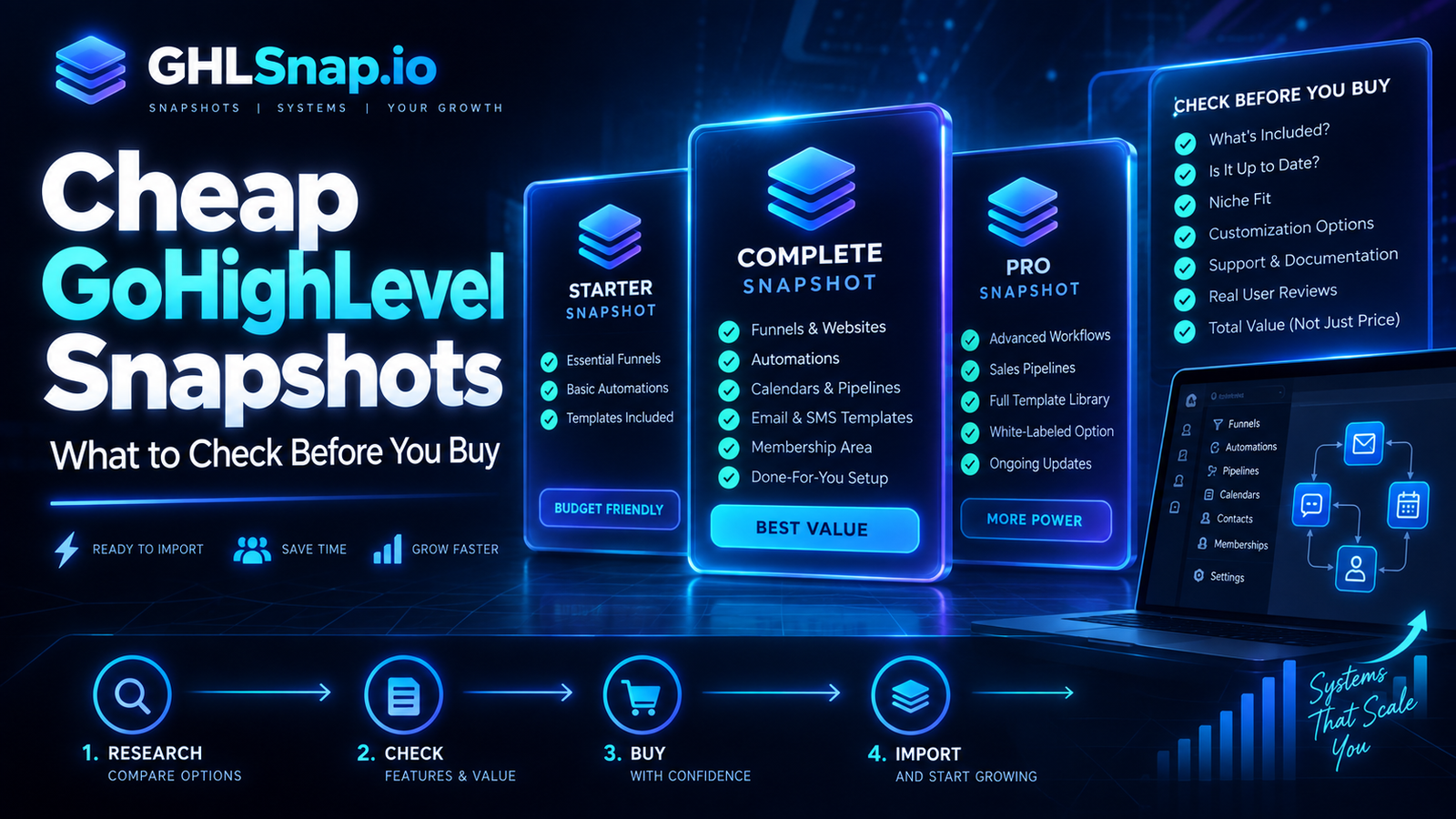
Cheap GoHighLevel snapshots can be useful when they provide a focused, tested system rather than a large collection of disconnected templates. Before buying, confirm exactly what is included, what must be customized, whether workflows have safe stop conditions, and what support is available after import.
A low purchase price is attractive, especially for a new agency or small business. However, the true cost includes configuration, copy changes, branding, integrations, testing, training, and future maintenance. The cheapest snapshot is not a bargain if the team must rebuild most of it.
What Does “Cheap” Mean for a GoHighLevel Snapshot?
Cheap can mean a genuinely efficient template with a narrow purpose, or it can mean incomplete work sold without documentation. Buyers should separate price from quality. A simple lead-follow-up snapshot can be inexpensive and valuable when every component works. A huge bundle can be poor value when its assets are outdated or irrelevant.
Start by comparing the available GoHighLevel snapshots against the workflow you actually need.
What a Useful Low-Cost Snapshot Should Include
- A clear industry, offer, or customer-journey use case
- An inventory of funnels, forms, calendars, pipelines, workflows, and messages
- Consistent names for assets, fields, tags, and custom values
- Editable copy and visible placeholders for business information
- Workflow triggers, filters, timing, reply handling, and stop conditions
- An installation and testing checklist
- Clear licensing, support, update, and refund terms
Seven Checks Before You Buy
1. Review the complete asset list
Do not rely on the number of “features” in a sales headline. Ask for the exact pages, workflows, forms, calendars, pipelines, emails, and SMS templates included.
2. Confirm the snapshot’s purpose
A dental appointment system, real-estate nurture campaign, and general agency onboarding process need different logic. A snapshot should match the intended journey closely enough to reduce customization.
3. Inspect workflow safety
Check whether automation stops when a contact replies, opts out, books, purchases, or reaches a stage that requires a person. Imported workflows should remain inactive until they are reviewed.
4. Estimate customization work
List every logo, color, offer, domain, sender, phone number, calendar, field, legal link, and integration that must change. Multiply that work across every included funnel and campaign.
5. Check documentation and support
Good documentation explains what transfers, what does not, which connections are required, and how to test the system. Confirm whether support covers only delivery or also installation problems.
6. Verify mobile and functional quality
Pages should work on common screen sizes, forms should create the correct records, and calendars should show accurate availability and time zones. Links, buttons, replies, and pipeline updates need real tests.
7. Understand usage rights
Confirm whether the buyer can use the snapshot for one location, multiple clients, or resale. Do not assume that included logos, stock assets, copy, or third-party templates can be redistributed.
Hidden Costs of Cheap GoHighLevel Snapshots
- Rewriting generic or inaccurate copy
- Repairing broken workflow references
- Removing duplicate fields and tags
- Connecting domains, email, phone, payments, and calendars
- Updating consent language and message templates
- Training staff on an undocumented process
- Maintaining several assets the business never uses
For a broader value comparison, read the affordable GHL snapshots buyer guide.
How to Import and Test Safely
- Document the destination location before making changes.
- Load the snapshot into a test account when possible.
- Keep customer-facing workflows inactive during review.
- Replace business details, branding, senders, calendars, and links.
- Connect required services and assign the correct users.
- Submit every form and complete every booking path.
- Test replies, opt-outs, cancellations, failures, and pipeline changes.
- Record the final configuration and train the users.
HighLevel’s official guidance explains how reusable configuration is packaged and loaded. Review the current HighLevel snapshot documentation because platform behavior can change.

When a Bundle Is Better
A bundle may reduce cost per snapshot when an agency serves multiple niches or offers. It only creates savings when the assets will be deployed and maintained. Compare the GHLSnap bundles with your planned client services before choosing volume over focus.
Frequently Asked Questions
Are cheap GoHighLevel snapshots safe to use?
They can be, but price does not prove quality. Review the assets, licensing, workflow logic, documentation, and support, then test the full journey before activation.
Do snapshots include contacts?
Snapshots generally package reusable configuration, not live customer records or conversation history. Verify the current behavior in official HighLevel documentation.
Can I customize a cheap snapshot?
Most commercial snapshots are designed for customization, but the license controls permitted use. Replace all business-specific information before launch.
Should workflows activate automatically?
No. Imported automation should be reviewed and tested first because it may reference unavailable users, fields, calendars, numbers, or integrations.
Buy the System, Not the Headline
The best cheap GoHighLevel snapshots are focused, understandable, and easy to test. Calculate the full implementation cost, confirm the usage rights, and choose assets that support a real customer journey.
Contact GHLSnap for help selecting a practical snapshot for your niche or service.