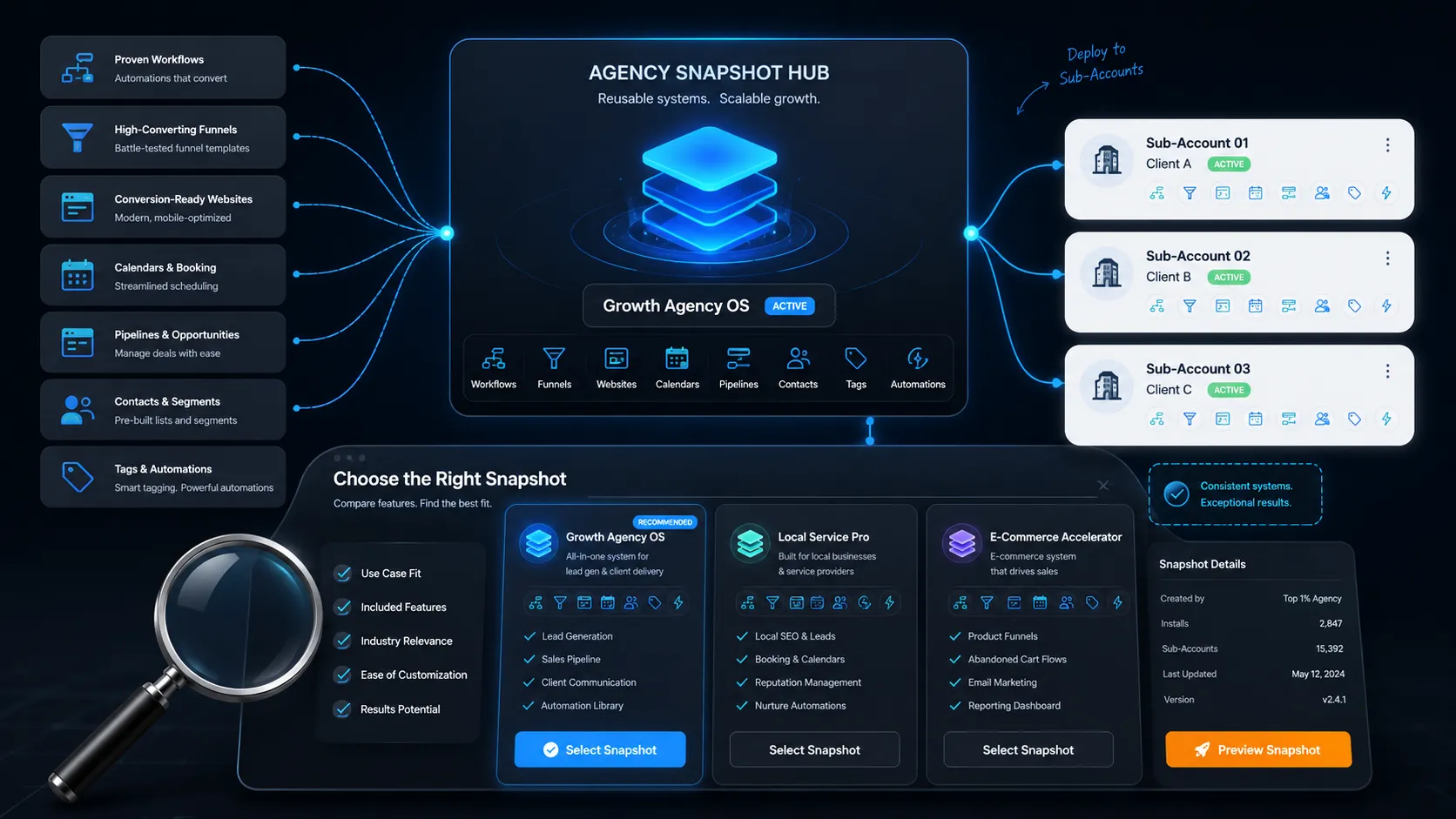
GoHighLevel snapshots are saved copies of a sub account setup. They hold your funnels, workflows, pipelines, calendars, forms and templates in one file you can load into any other sub account. They save you hours on every new client. They do not copy contacts, conversations, phone numbers or domains.
You are rebuilding the same account over and over
You closed a new client. Now you open a blank sub account and start again.
Same pipeline stages. Same missed call text back. Same review request workflow. Same booking reminders. You built all of it last month for someone else.
That is the problem GoHighLevel snapshots solve. You build the system once. Then you load it into every new account in minutes.
This guide covers what is inside a snapshot, what is not, where to get one, and how to spot a bad one before you pay.
What is a GoHighLevel snapshot?
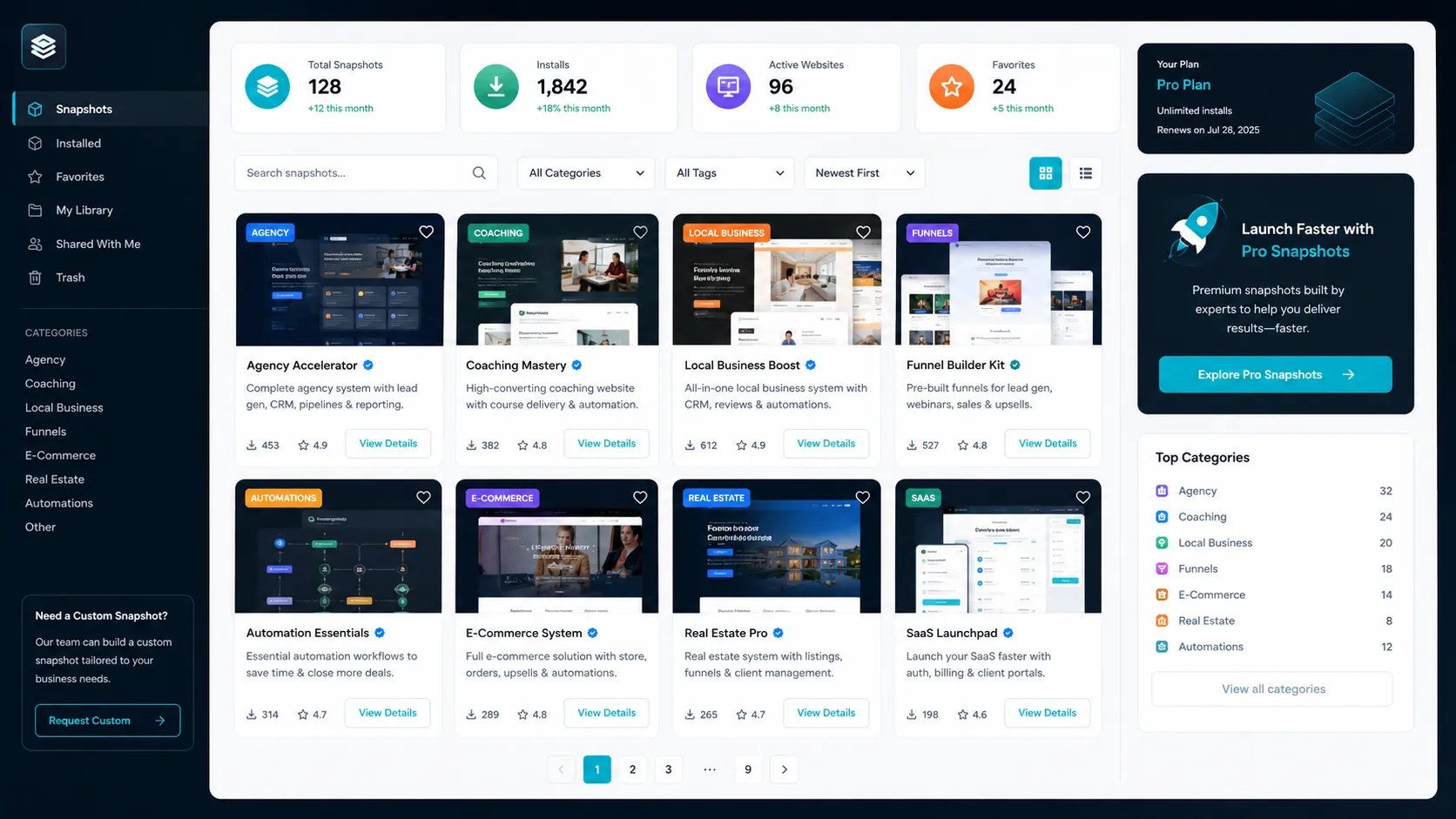
A snapshot is a template of a whole sub account.
Think of it like a house blueprint. It shows every room, every wire, every pipe. It does not include the furniture or the people living inside.
You build one account properly. You save it as a snapshot. Then you load that snapshot into a fresh account and everything appears, ready to edit.
HighLevel also ships free snapshots inside your agency dashboard. There are ones for dentists, chiropractors, gyms, hair salons, plumbing, family law and more. You can see the full list in the HighLevel industry snapshot library.
Those free ones are a fine starting point. They are also basic. Most agencies outgrow them fast.
What do GoHighLevel snapshots actually include?
This is where people get burned. They buy a snapshot and expect a finished business. They get a structure instead.
Here is the honest split of what is inside a snapshot.
| Comes with the snapshot | Does NOT come with the snapshot |
|---|---|
| Funnels and websites | Contacts and lead lists |
| Workflows and automations | Conversation history |
| Pipelines and stages | Opportunities already in progress |
| Calendars and booking settings | Phone numbers |
| Forms and surveys | Connected domains |
| Email and SMS templates | Google or Facebook connections |
| Custom fields and custom values | Payment and billing setup |
| Tags and triggers | A2P registration |
| Trigger links | Any client data at all |
Read the right column again. A snapshot gives you a working system with nothing in it.
You still connect the phone number. You still connect the domain. You still do A2P. That work does not disappear.
Where can you get GoHighLevel snapshots?
You have four real options. Each one suits a different situation.
| Source | Cost | Best for | The catch |
|---|---|---|---|
| HighLevel free library | Free with your account | Testing the idea, first client | Basic and dated in places |
| Free community snapshots | Free, email required | Learning how good ones are built | Quality swings wildly. Often a hook for an upsell |
| Paid niche snapshots | Usually a few hundred dollars | Agencies serving one industry | You still have to customise it |
| Build your own | 40 to 120 hours of your time | Agencies past ten clients | Slow, and you maintain it forever |
On price, published figures across the market usually sit between roughly $97 and $2,000. It depends on how deep the build is and whether support is included. One well known seller lists a single niche snapshot at $297, a three niche pack at $497 and a ten niche pack at $997.
Prices move. Check the seller’s own page before you buy anything.
How do you import a GoHighLevel snapshot?
The steps are short. The mistakes are expensive.
- Create a brand new sub account. Never test in a live client account.
- Open the share link the seller gave you, or go to Sub Accounts, then Snapshots in your agency view.
- Pick the sub account you want to load it into.
- Wait. Large snapshots take a few minutes.
- Open the workflows tab. Most arrive switched off. Turn on only the ones you need.
- Replace every placeholder. Business name, logo, calendar owner, sender email, phone number.
- Send yourself a test lead through the funnel before you show the client.
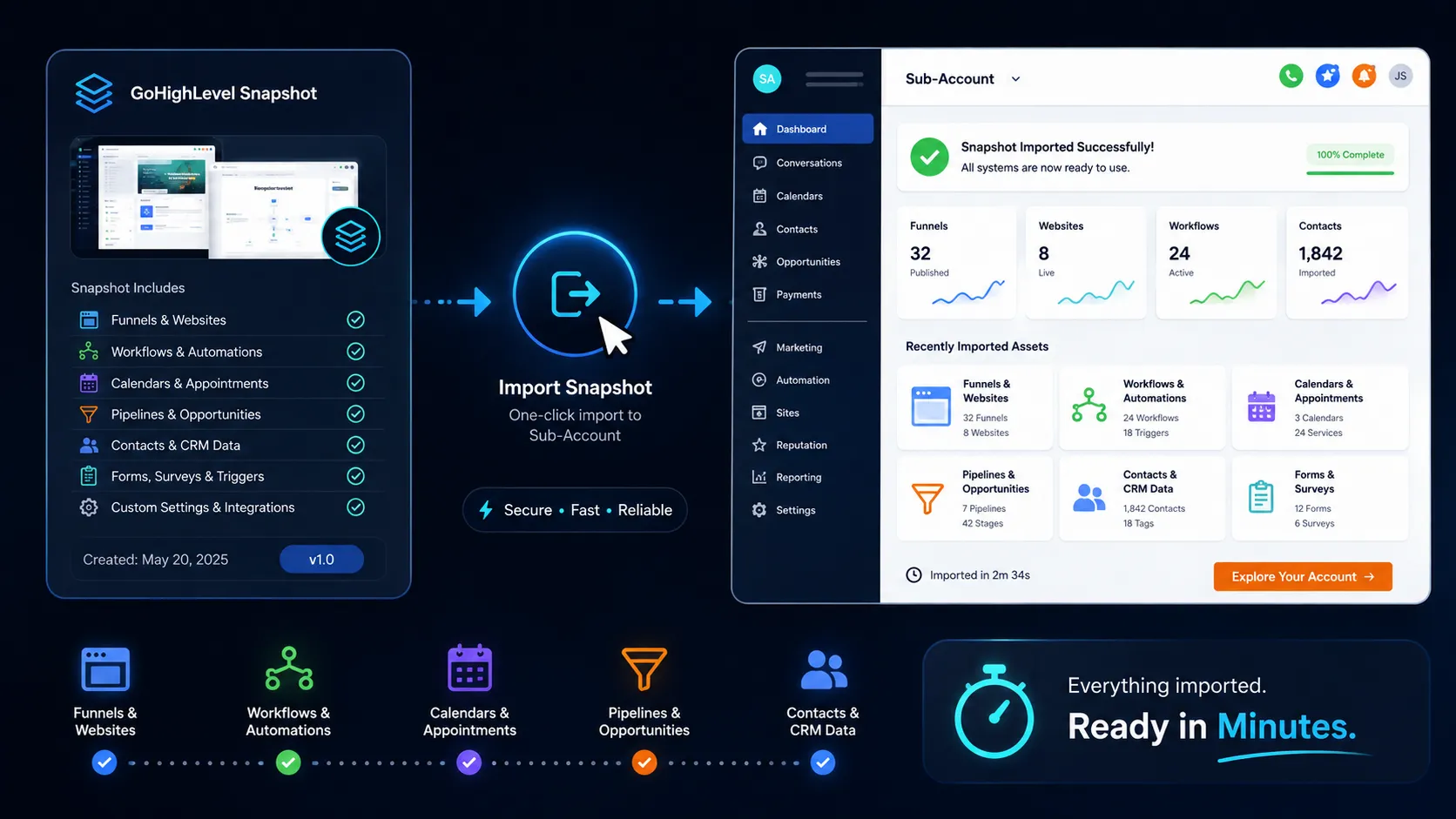
Step one matters most. If you load a snapshot into an account that already has workflows, you can end up with duplicates and two automations fighting over the same contact.
Full official instructions live in the HighLevel help centre.
Where GoHighLevel snapshots let you down
Nobody selling snapshots tells you this part. Here it is.
They go stale. HighLevel ships changes constantly. A snapshot built two years ago may use an old workflow action that no longer behaves the same way. Ask the seller when it was last updated.
They are bloated. Some sellers pad a snapshot with 60 workflows so the sales page sounds impressive. You will use eight. The other 52 confuse you and your client.
Naming is often a mess. Open a cheap snapshot and you find workflows called “Workflow copy 3” and custom values with no labels. You will spend a day just working out what does what.
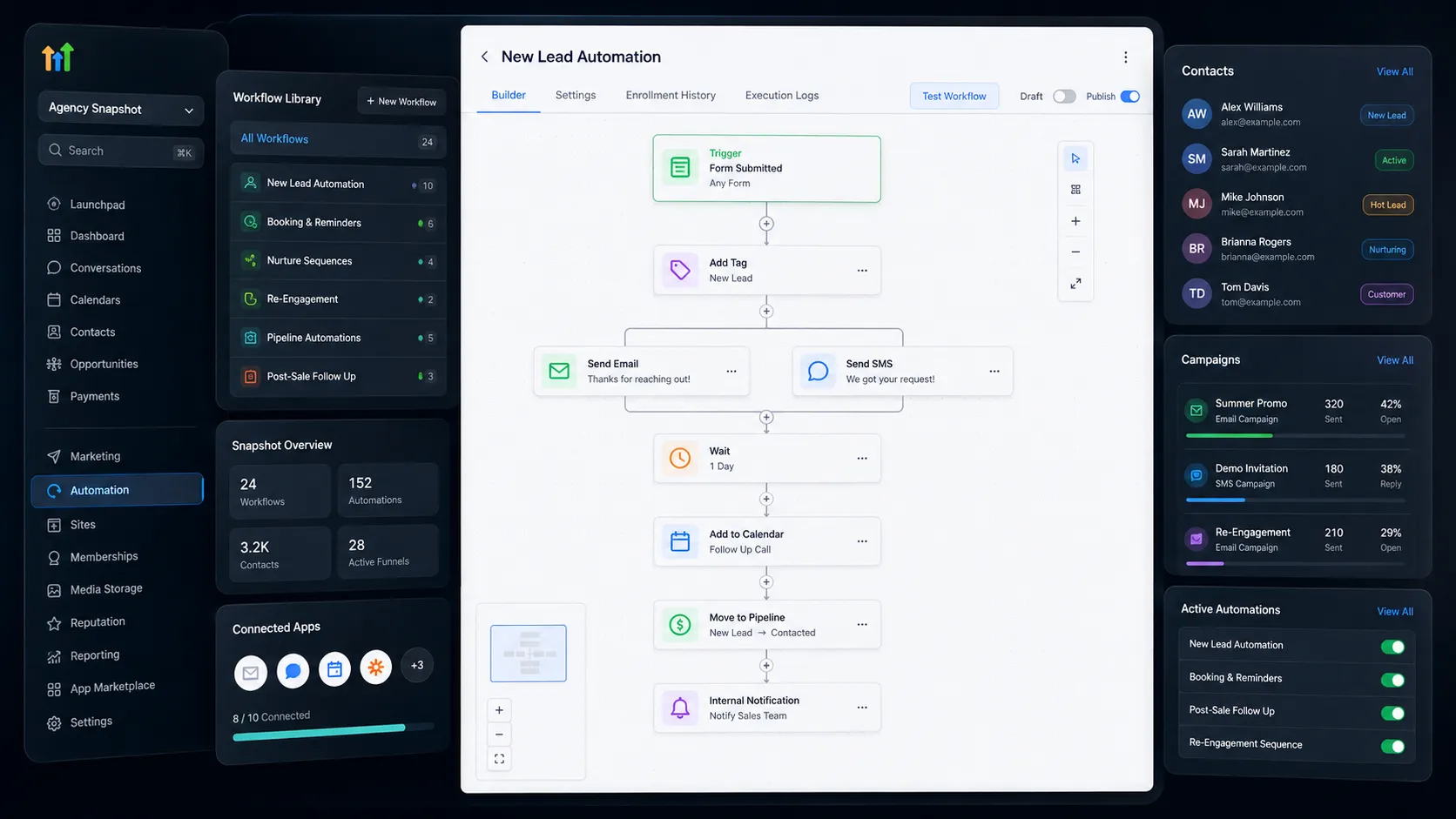
They do not fix a bad offer. A snapshot automates follow up. It does not create leads. If your client has no traffic, a perfect system sends zero messages.
Support is usually thin. Many sellers hand you a file and disappear. Ask what happens when something breaks in week three.
If you only ever need one account, skip snapshots. Just build it. The time saved only shows up when you repeat the same setup.
How to pick a good snapshot: a short checklist
Run any snapshot past this before you pay.
- Can you see real screenshots of the inside, not just a sales page?
- Does the seller list what is not included?
- When was it last updated?
- How many workflows are there, and are they named in plain language?
- Is there a setup guide, written or video?
- Is it one payment or a subscription?
- Can you resell it to your own clients, or only use it yourself?
- Is there a refund window?
If a seller will not show you the inside, walk away. That is the clearest red flag in this market.
Do snapshots work for SaaS mode?
Yes, and this is where they pay off most.
In SaaS mode you sell the same system to many small businesses. Every new customer gets a sub account. Without a snapshot, you build each one by hand and your margin dies.
With a snapshot, a new customer signs up and their account is ready the same day. That is the whole model.
Pick one niche first. Build or buy a snapshot for that niche. Get ten customers on it. Then add a second niche.
Agencies that try to serve everyone from day one end up maintaining five half finished snapshots.
Frequently asked questions
Do GoHighLevel snapshots include contacts?
No. Snapshots copy structure only. Your contacts, conversations and opportunities stay where they are. You import leads separately with a CSV file.
Can I edit a snapshot after I import it?
Yes. Once it loads, everything behaves like something you built yourself. Rename workflows, delete what you do not need, change the copy. Nothing is locked.
Will importing a snapshot delete my existing work?
It does not delete contacts. It can create duplicate workflows and pipelines if the account already has similar ones. Always import into a fresh sub account first and check it there.
Can I sell a snapshot I bought from someone else?
That depends on the seller’s licence. Some allow resale to your own clients. Some allow use inside your agency only. Read the terms before you promise anything to a client.
How long does setup take after I import?
Plan for two to four hours of real work. That covers branding, connecting the phone number and domain, setting the calendar owner and testing. Anyone promising five minutes is selling you the import, not the setup.
Are free GoHighLevel snapshots any good?
Some are. Most free ones are lead magnets for a paid product, so they include enough to be useful and not enough to be complete. They are a good way to learn structure before you spend money.
Do I need Agency Pro to use snapshots?
Snapshot features sit in the agency view, so you need an agency plan rather than a single sub account. Plans change, so check current details on the official HighLevel pricing page.
How many snapshots can I load into one sub account?
More than one is possible, but it gets messy quickly. Two snapshots often bring overlapping pipelines and clashing automations. Use one main snapshot per account.
Start with one niche, not twenty
Snapshots are the difference between an agency that scales and one stuck rebuilding the same funnel every month.
Pick your strongest niche. Get a snapshot that is built properly for it. Load it, clean it up, and use it on your next three clients.
Browse the niche snapshot library at GhlSnap and see exactly what is inside each one before you buy.