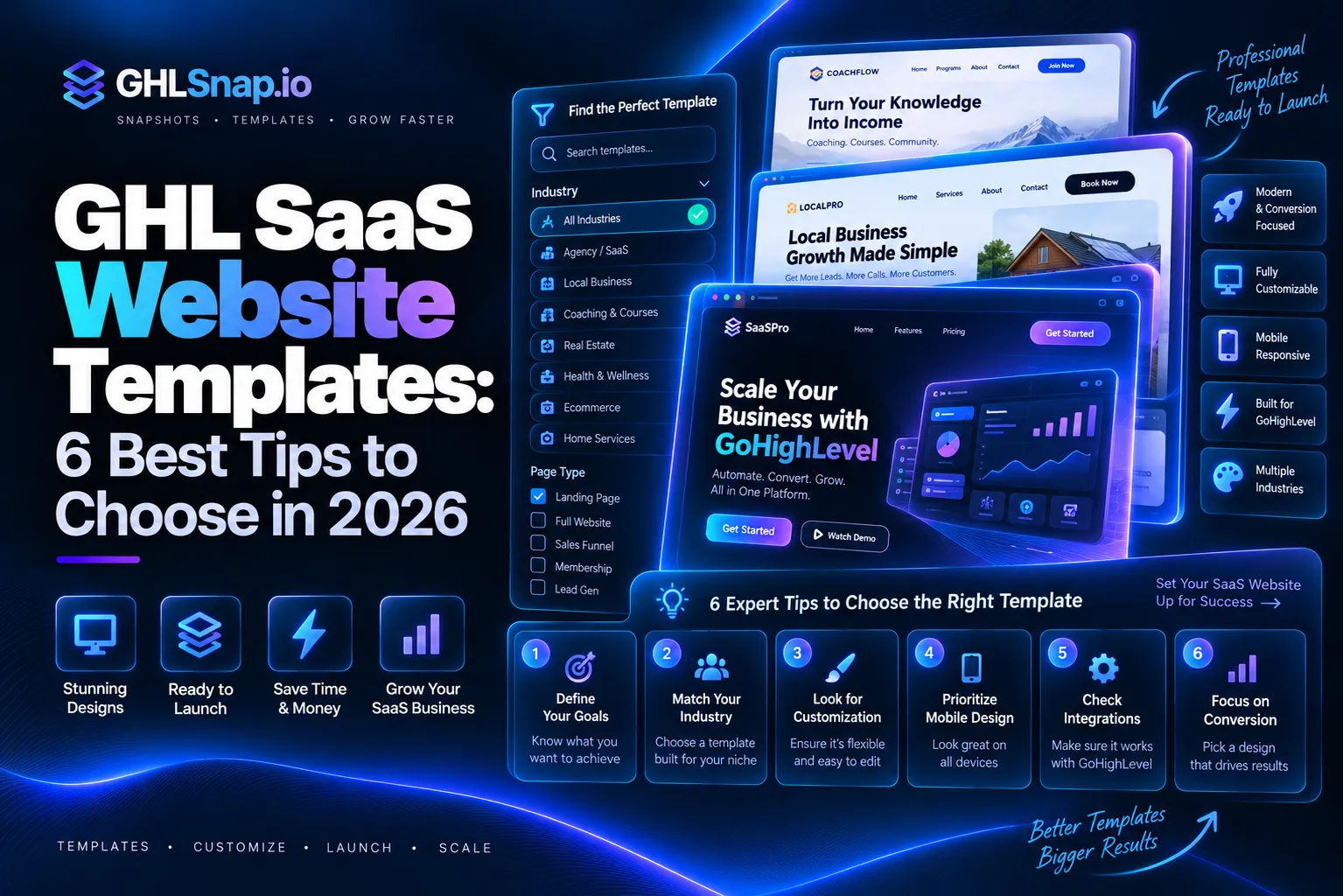
GHL SaaS website templates are ready made website designs you load into GoHighLevel to sell your own branded software. They give you a home page, a pricing page, and a signup flow, so new clients can buy your plan and get their account without you doing it by hand. In this guide, you will learn what SaaS mode is, why you need a template, what a good one includes, and how to install it.
If you are new to the platform, start with our simple guide on what GoHighLevel is. Then come back here.
What Is GoHighLevel SaaS Mode?
SaaS mode lets an agency sell GoHighLevel as its own software. You put your brand on it, set your prices, and charge clients every month. This is where GHL SaaS website templates come in.
According to the official HighLevel pricing page, SaaS mode is only part of the Agency Pro plan. Here is how the plans compare right now:
| Plan | Monthly Price | SaaS Mode |
|---|---|---|
| Starter | $97 | No |
| Unlimited | $297 | No |
| Agency Pro | $497 | Yes |
| Enterprise | Custom | Contact sales |
Prices can change, so always check the pricing page before you buy. Usage costs like SMS, email, and calls are billed on top.
How the SaaS Configurator Works
The tool that runs SaaS mode is called the SaaS Configurator. The HighLevel help guide says it lets agencies package, price, sell, and manage recurring plans for client accounts. With it you can: GHL SaaS website templates work well with this setup.
- Create monthly or yearly plans with different tiers.
- Attach features to each plan.
- Attach a snapshot so each new account is set up the moment a client signs up.
- Sell through a branded funnel or a direct checkout link.
- Connect Stripe or another supported payment provider.
That last point about funnels is where a website template comes in. The Configurator handles billing. Your website is what makes people want to buy.
Why SaaS Agencies Need GHL SaaS Website Templates
When you sell software, your website is your sales team. It works day and night. A weak site means lost signups. A strong site means more paying clients. Here is why GHL SaaS website templates help so much.
Building that site from a blank page takes a long time. You need to plan pages, write copy, design sections, and connect forms and checkout. Many agency owners spend weeks on it. A template cuts that down to hours.
Here is why GHL SaaS website templates make sense:
- Speed. You launch your brand much faster.
- Proven layout. Good templates follow the same layout that real software companies use.
- Built inside GHL. No extra website host or tool to pay for.
- Easy edits. You change text, colors, and logo in the GHL builder.
- Lower cost. A template costs far less than hiring a designer.
There is another reason too. Many agencies want their SaaS clients to get website templates of their own. GoHighLevel users have asked for this on the official HighLevel ideas board, saying it would save agency owners a lot of time adding websites to client snapshots by hand. Until that changes, putting your templates inside a snapshot is the simple fix.
What a Good GHL SaaS Website Template Includes
Not every template is built for software sales. A real SaaS template has pages and parts that push visitors toward a signup. Look for these. The best GHL SaaS website templates have the parts below.
1. A Clear Home Page
The top of the page should say what your software does in one line. It should show a big button like “Start Free Trial.” Below that, add features, a short demo, and proof from happy clients.
2. A Pricing Page
This is the most important page. It should show two to four plans side by side. Each plan needs a price, a short list of features, and a button. Your plans here should match the plans you create in the SaaS Configurator. Most GHL SaaS website templates include a pricing page.
3. A Smooth Signup Flow
When someone clicks “Buy,” they should land on a checkout page with as few fields as possible. After payment, the Configurator can create their account on its own. Fewer steps mean fewer people quit halfway.
4. An Onboarding Page
After signup, new clients feel lost if nobody guides them. A good template includes a welcome or thank you page with next steps, a short video, and a link to book a setup call.
5. Trust Pages
People will not hand over a card to a site that looks unsafe. Your template should include an About page, a Contact page, and spaces for your privacy policy and terms. Good GHL SaaS website templates also add trust pages.
Here is a quick checklist you can use:
| Page or Part | Why It Matters | Must Have? |
|---|---|---|
| Home page with clear headline | Explains your offer in seconds | Yes |
| Pricing page | Turns visitors into buyers | Yes |
| Checkout and signup | Collects payment and creates the account | Yes |
| Thank you and onboarding page | Helps new clients get started | Yes |
| Testimonials section | Builds trust | Strongly suggested |
| Mobile friendly design | Most visitors browse on phones | Yes |
| Privacy and terms pages | Shows you are a real business | Yes |
How to Install a Template or Snapshot in GHL
Most GHL SaaS website templates come as a snapshot. A snapshot is a saved copy of funnels, websites, and automations that you can load into any account. Learn more in our post on what a GoHighLevel snapshot is. Most GHL SaaS website templates come as snapshots.
The official HighLevel import guide breaks it into two parts: import, then load.
Part 1: Import the Snapshot
- Log in to your HighLevel agency account.
- Open the snapshot share link you got from the seller.
- Rename the snapshot if you want.
- Click “Import Now.”
- Wait for it to finish. It looks greyed out while it is still loading.
Part 2: Load It Into an Account
- Go to Agency View and find the account you want.
- Open the account menu and choose “Manage Client.”
- Click “Actions,” then “Load Snapshot.”
- Pick the snapshot you just imported.
- Choose which assets to load, like websites and funnels.
- Check for any conflicts with what is already there.
- Confirm the load.
Importing puts the snapshot in your agency library. Loading puts it inside one account. This lets you check everything before your clients see it.
Part 3: Make It Yours
Once it is loaded, open the website in the builder. Then:
- Swap in your logo, brand colors, and fonts.
- Rewrite the headline so it fits your niche.
- Connect your pricing buttons to your SaaS Configurator checkout.
- Connect your custom domain.
- Test the full signup on desktop and phone.
How to Choose the Right Template
There are many templates out there. Use these tips to pick a good one. Not all GHL SaaS website templates are the same.
Match Your Niche
A template made for dentists will not fit a software brand for real estate agents. Pick a design that speaks to your target buyer, or one that is easy to change.
Check What Is Inside
Ask the seller for a full list of pages. A cheap template with only a home page will cost you more time later. You want home, pricing, checkout, thank you, and trust pages at the very least. Check this before you buy GHL SaaS website templates.
Look for Workflows
The best snapshots include more than pages. They also include welcome emails, follow up texts, and pipeline stages. This saves you even more setup time.
Preview on a Phone
Always look at the live demo on your phone. If text is tiny or buttons are hard to tap, skip it. Many people view GHL SaaS website templates on their phones.
Compare Price and Value
Do not just pick the cheapest one. Think about how many hours it saves. A template that saves you two weeks of work is worth much more than its price. If you want many assets at once, a bundle is usually the best deal.
Think About Your Own Clients
If you plan to give each client a website, choose GHL SaaS website templates you can reuse. Put the client site inside the same snapshot you attach to your plan. Then every new signup gets a ready site on day one. This makes your software feel more valuable and helps clients stay longer.
Avoid These Mistakes
- Using a template without changing the copy. It will look like everyone else.
- Forgetting to link the pricing buttons to real checkout.
- Skipping the onboarding page.
- Not testing the signup flow before launch.
- Showing prices on the site that do not match your Configurator plans.
Final Thoughts
SaaS mode turns your agency into a software company. But billing alone will not bring you clients. You need a site that explains your offer, shows clear prices, and makes signup easy. GHL SaaS website templates give you all of that without starting from scratch. With the right GHL SaaS website templates, you can launch faster.
Your next step is simple. Check that you are on the Agency Pro plan, set up your plans in the SaaS Configurator, then load a template and make it your own.
Want to skip the hard part? Browse ready to use GHL snapshots, funnels, and website templates in the GHLSnap shop, or grab everything at once with the GHLSnap bundle. Launch your SaaS brand faster and focus on growing it.