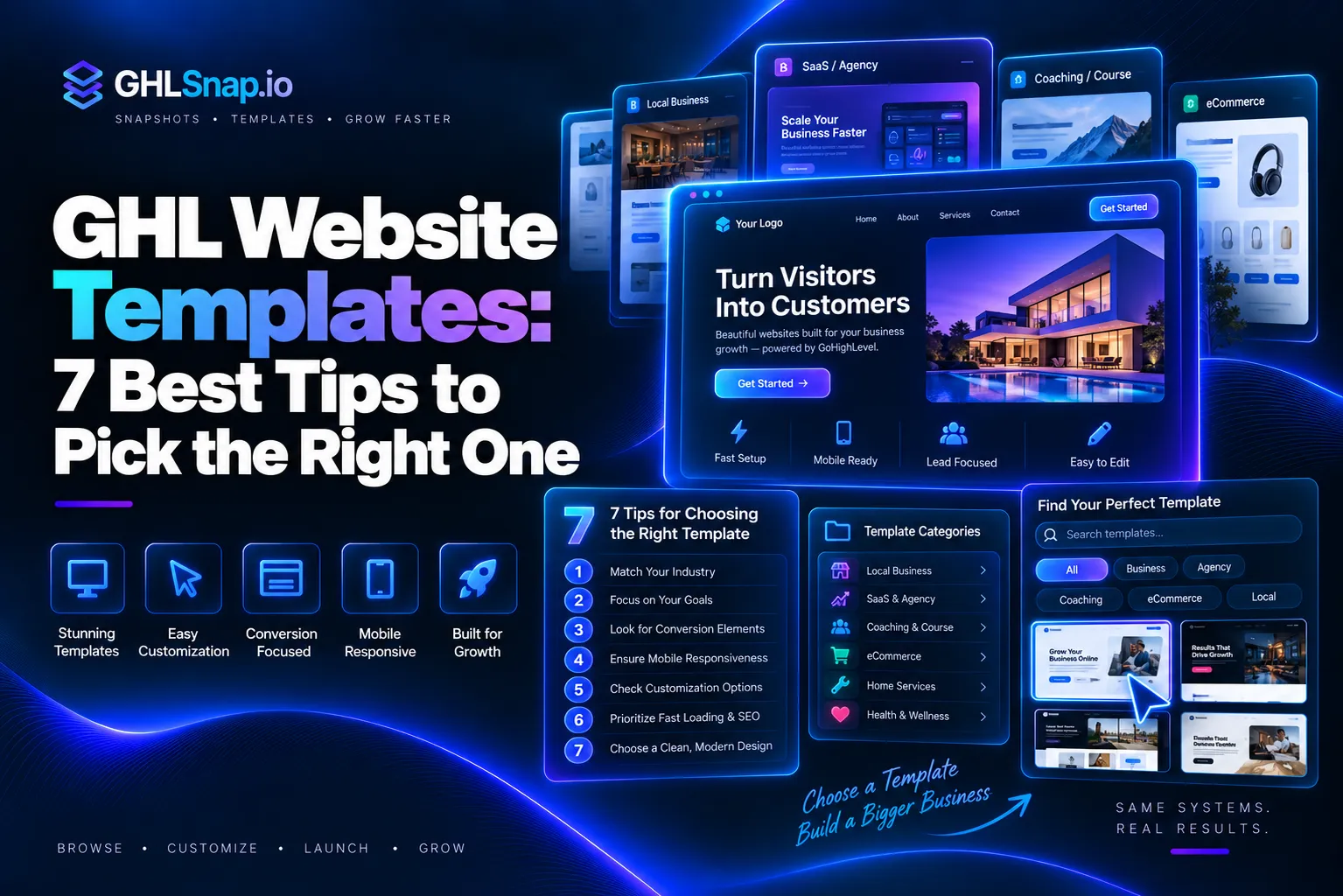
GHL website templates are ready made website designs you can load into GoHighLevel and edit in minutes instead of building every page from a blank screen. If you run an agency or a local business, the right template can save you days of work. In this guide, you will learn what GoHighLevel website templates are, how free and paid options compare, what to look for before you buy, and how to import one step by step.
GHLSnap sells ready made GoHighLevel templates and snapshots, so this guide is written with real buyers in mind. Let us start with the basics.
What Are GHL Website Templates?
A GHL website template is a full website layout that lives inside the GoHighLevel site builder. It already has pages, sections, text spots, image spots, and buttons in place. You swap in your own logo, colors, words, and photos, and the site is ready to go live. In short, GHL website templates save you time.
Most templates include pages like these:
- Home page with a strong headline and a clear call to action
- Services page that lists what the business offers
- About page that builds trust with a story and photos
- Contact page with a form, phone number, and map
- Thank you page that shows after someone fills out a form
A template is not the same as a snapshot. A template is mostly the design. A snapshot can hold a whole account setup, such as websites, funnels, workflows, pipelines, and email templates. If you want to learn the difference in detail, read our guide on what a GoHighLevel snapshot is.
Free vs Paid GoHighLevel Website Templates
You have two main choices. You can use the free templates built into GoHighLevel, or you can buy premium templates made by outside designers. Both can work. The best pick depends on your time, your niche, and how polished you need the site to look. GHL website templates come in free and paid types.
Free Built In Templates
GoHighLevel gives every account a template library inside the Sites area. You can browse by category, preview a design, and use it with one click. These are a great way to learn the builder and to launch a simple site fast.
The downside is that many other agencies use the same free designs. They are also often general, so you may still need to rewrite most of the copy and rework sections for a specific trade like roofing or HVAC.
Paid Premium Templates
Paid templates come from marketplaces and template shops. They are usually built for one niche, with words and sections that already speak to that type of customer. Many also come with matching funnels or extras.
Here is a quick side by side look at both kinds of GHL website templates:
| Feature | Free Built In Templates | Paid Premium Templates |
|---|---|---|
| Cost | Included with GoHighLevel | One time fee, often $29 to $59 |
| Niche focus | Mostly general | Built for one industry |
| Sales copy | Placeholder text | Often written for the niche |
| How unique it looks | Used by many accounts | Used by fewer accounts |
| Setup time | More editing needed | Less editing needed |
| Extras | Design only | May include funnels, forms, or automations |
If you only need a simple page for yourself, free is fine. If you build sites for paying clients, a niche template often pays for itself with the first project because you save so many hours.
What to Look for in GHL Website Templates
Not all GHL website templates are worth your money. Before you buy or pick one, check these points. Use these points to judge GHL website templates.
- Mobile friendly design. Most visitors will see the site on a phone. Preview the mobile view in the builder and make sure text is easy to read and buttons are easy to tap.
- Niche fit. A plumbing site needs emergency call buttons and service area sections. A coaching site needs a booking page and testimonials. Pick a template made for your type of business.
- Clear calls to action. Every page should push visitors to one main action, like calling, booking, or filling out a form.
- Clean, editable sections. Good templates use simple rows and columns, so you can move or remove sections without breaking the layout.
- Fast loading. Large images slow a site down. Look for templates that use light images, and compress your own photos before you upload them.
- Trust elements. Reviews, badges, a real address, and team photos help visitors feel safe. Strong templates have spots ready for all of these.
- Clear import method. The seller should explain how you will get the template, such as a share link or a snapshot link, and what does or does not transfer.
How to Use a Built In Template in GoHighLevel
Here is how to launch free GHL website templates from the library inside your account. Menu names can change a little over time, but the flow stays about the same.
- Log in to GoHighLevel and switch to the right sub account.
- In the left menu, go to Sites and then Websites.
- Click the button to create a new website.
- Browse the template gallery. Click a thumbnail to preview it.
- Click Use Template on the design you like and give the site a name.
- Open the site in the builder and edit the text, images, colors, and buttons.
- Connect your domain under Settings and Domains, then save and publish.
How to Import Paid Go High Level Templates
Most premium go high level templates and paid GHL website templates are delivered as a share link. GoHighLevel lets one account share a funnel or website with another account through a special link. Here are the steps. Paid GHL website templates often come as snapshots.
- Log in first. Sign in to your agency account in the same browser before you open the link.
- Open the share link. Paste the link the seller gave you into a new browser tab.
- Choose your sub account. Pick the location where you want the template to land.
- Confirm the import. Click the import button and wait. It can take a few minutes, so give it time before you refresh.
- Find the new site. Go to Sites in that sub account. Your new website or funnel will be in the list.
- Reconnect forms and calendars. Some items like forms and surveys may need to be set up again or linked to the right ones in your account.
- Brand it and publish. Add your logo, colors, words, and domain, then publish.
Agencies can also share full templates from the Template Library. GoHighLevel explains this in its official guide on sharing templates between agencies. In that flow, the receiving agency opens the link and clicks Import Template to add it to its library. You can also read the GoHighLevel changelog on template sharing for updates. For a visual walkthrough of share link imports, the team at Growthable has a helpful tutorial.
If your template comes as a snapshot instead, you load it from the snapshot area of your agency view and then push it to a sub account. A snapshot brings more than just the website, which is why many agencies prefer it.
Niche Examples of GHL Website Templates
The biggest win with GHL website templates comes from picking one built for your niche. Here are some common examples and what each one should include. Here are some niche GHL website templates.
Home Services
Roofing, HVAC, plumbing, electrician, cleaning, and home improvement sites need big phone buttons, a quote form, service area sections, and before and after photos. Speed and trust matter most, because people often need help today.
Real Estate and Mortgage
These sites need home value forms, lead magnets like buyer guides, agent bios, and calendar booking. A mortgage template should also make it easy to start a quick application or book a call. GHL website templates for this niche help you start fast.
Insurance
Insurance templates work best with a simple quote request form, clear policy types, and strong trust signals like reviews and license info.
Fitness and Coaching
Gyms and coaches need class schedules, free trial offers, success stories, and a booking page. Video sections also help show the real experience.
SaaS Agency
Agencies that resell GoHighLevel need pricing tables, feature lists, and demo booking. This is a big topic, so we cover it in a separate guide. GHL website templates also work for SaaS agencies.
You can browse templates by industry in our niche snapshots for GoHighLevel collection.
Tips to Get the Most From Your Template
- Rewrite the copy for your local market. Add your city and service area so the site can show up in local search.
- Use real photos. Real team and job photos build more trust than stock images.
- Set up SEO settings. Add a page title and meta description to every page in the builder settings.
- Test every form. Fill out each form yourself and make sure the lead lands in your contacts.
- Connect automations. Link forms to a follow up workflow so no lead is missed.
- Save your edited version. Once a site is perfect, save it as your own template or snapshot so you can reuse it for the next client.
Final Thoughts
GHL website templates are one of the fastest ways to launch a clean, professional website inside GoHighLevel. Free built in templates are great for learning and simple projects. Paid niche templates save more time and help you deliver better sites to clients, because the layout and copy already fit the business. Pick the GHL website templates that fit your business best.
Your next step is simple. Pick your niche, check the template against the list above, and import it using the steps in this guide. If you want ready made designs for roofing, HVAC, real estate, fitness, and more, take a look at the GHLSnap shop. Our website templates start at $29, and you can grab them and start building today.