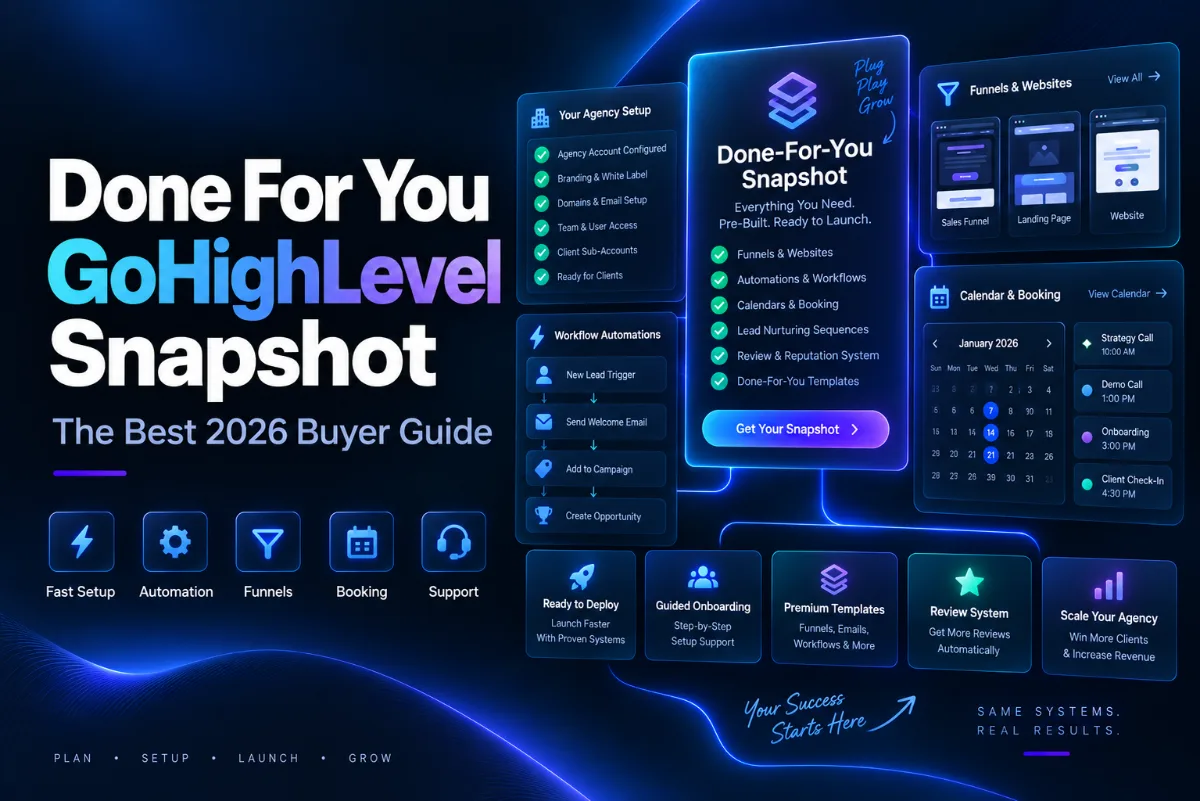
A done for you GoHighLevel snapshot is a finished sub account saved as a template. Someone has already built the funnels, the workflows, the pipelines, the calendars and the follow up messages for a specific type of business, and you load that whole system into your own account in a few minutes.
The idea behind a done for you GoHighLevel snapshot sounds simple. What most buyers do not know is exactly which parts come across, which parts do not, and what still needs your hands after the import. That gap is where people waste money.
This guide explains how these snapshots work, what is really inside one, how to judge a good one, and how to get a client live quickly without breaking anything.
What Is A Done For You GoHighLevel Snapshot?
HighLevel describes snapshots as reusable templates that capture selected configuration assets from a sub account so they can be copied into new or existing sub accounts.
You do not build a snapshot from nothing. Someone sets up a real account first, gets it working, then saves that account as a snapshot. When you buy a done for you version, you are buying that finished build.
The value is time. A roofing setup with a lead funnel, a missed call text back workflow, a quote pipeline, appointment reminders and a review request sequence takes an experienced builder several days. Loading a snapshot takes minutes.
What Is Actually Inside A Done For You GoHighLevel Snapshot?
Snapshots carry a wide list of assets. According to HighLevel documentation, that list includes workflows and triggers, funnels and websites, forms, surveys and quizzes, email templates and campaigns, calendars with their services and resources, pipelines, custom fields, custom values, custom objects, tags, dashboards and custom reports, membership offers and products, blogs, social planner content, review settings, contracts and knowledge bases, design kits and colour schemes, Conversation AI and Voice AI agents, and WhatsApp templates.
That is a lot of finished work inside one done for you GoHighLevel snapshot file.
What Does A Done For You GoHighLevel Snapshot Never Include?
This is the part done for you GoHighLevel snapshot sellers rarely explain, and it is the reason some buyers feel cheated.
HighLevel is clear that snapshots transfer configuration and reusable assets, not live account activity or customer records. So a snapshot will never bring you contacts, conversations, message history, appointments already booked, reputation data, integrations, Stripe connections, private dashboards or phone numbers assigned to a Voice AI agent.
A few assets also need work after loading. WordPress sites inside a snapshot need their licence re authenticated and their domain updated. WhatsApp templates arrive but cannot be used until Meta approves the number in your account. Voice AI agents arrive but need a phone number assigned.
A done for you GoHighLevel snapshot is not selling you leads. They are selling you the machine that collects them.
Who Should Buy A Done For You GoHighLevel Snapshot Instead Of Building?
A done for you snapshot makes sense in three situations.
You are new to HighLevel and you learn faster by opening a working system than by staring at an empty account. Reverse engineering a finished workflow teaches more in an hour than a course does in a week.
You are an agency onboarding a client this week and you do not have five days of build time. You load the niche snapshot, rebrand it, connect the number and the client sees progress on day one.
You are moving into a new niche and you want a proven structure rather than a guess. A plumbing account and a coaching account need very different pipelines, and a niche snapshot has that thinking already done.
Building from scratch is still the right call when the client has an unusual process that no template matches, or when you are creating your own product to resell.
How Do You Judge A Good Snapshot Before You Buy?
Price alone tells you nothing about a done for you GoHighLevel snapshot. Use this checklist instead.
- Does it list what is inside? A seller who cannot list the workflows and funnels probably has very few of them.
- Is it built for one niche? A general snapshot is usually a thin snapshot. Real value sits in niche specific copy and pipeline stages.
- Are the workflows actually connected? Many cheap snapshots contain funnels with no automation behind them.
- Is there a walkthrough or documentation? A system you cannot understand is a system you will not use.
- Does it get updated? HighLevel changes constantly, and a snapshot built two years ago may use old workflow actions.
- Can you get support? One reply from the builder can save you a full day.
Our own niche snapshots sit at 59 dollars, reduced from 73.75 dollars, and cover roofing, HVAC, plumbing, electrician, real estate, mortgage, life insurance, fitness, coaching, cleaning, home improvement and SaaS agency setups. You can browse the full range on our GHL snapshots page.
How Do You Install A Done For You Snapshot?
Installing a done for you GoHighLevel snapshot is straightforward once you know the two routes.
- Buy the snapshot and you receive a share link.
- Log in to your HighLevel agency account first. The link imports into the agency, not into a client login.
- Open the link and approve the import.
- Either create a brand new sub account from the snapshot, or load it into an existing sub account.
- If you load it into an existing account, review the conflict screen and choose which assets to import and whether to override or skip anything that clashes.
- Wait for the import to finish, then open the account and check the workflows before you switch anything on.
Loading into an existing sub account does not wipe your data. Existing items are only affected when you choose to override a conflicting asset.
One thing to know about share links. A snapshot is a point in time clone. If the seller improves the snapshot later, your copy does not update by itself. They have to send a new link.
What Should You Change After Importing?
A done for you GoHighLevel snapshot is a starting point, not a finished client account. Work through this list before you hand it over.
Update the custom values first. Business name, phone, address, booking link, website and email usually live there, and one edit updates dozens of messages at once.
Then swap the branding, logo and colours on the funnels. Then set the calendar availability to the real opening hours. Then connect the phone number, the email sending domain and Stripe, since none of those travel in a snapshot.
Read every automated message out loud before you turn workflows on. Template copy is written for a generic business, and one wrong sentence going to real leads costs more than the snapshot did.
Finally, turn workflows on one at a time and send yourself a test lead through the whole path.
How Fast Can You Get A Client Live?
With a good done for you GoHighLevel snapshot, a local service client can be running inside three days. Here is a schedule that works.
Day one. Create the sub account from the snapshot. Update every custom value with the real business details. Swap the logo and brand colours on the funnels. Send the client a link to review the wording while you carry on.
Day two. Set the calendar to real opening hours and buffers. Buy and connect the phone number. Set up the email sending domain and let it start warming. Connect Stripe if the client takes deposits. Read every automated message and rewrite anything that sounds generic.
Day three. Run a full test. Submit the form yourself, answer the text, book the appointment, wait for the reminder and trigger the review request. Fix whatever breaks, then turn the workflows on one at a time and point the ads or the website form at the new funnel.
Three days beats three weeks, and the client sees momentum while they are still excited about signing.
Can You Resell A Done For You Snapshot To Clients?
You can use a purchased done for you GoHighLevel snapshot across your own client sub accounts, and that is exactly what agencies do. Reselling the snapshot file itself as your own product is a different question and depends on the licence the seller gives you.
HighLevel also gives sellers an assets protected setting that stops recipients duplicating or resharing protected content, so check what you are allowed to do before you build a business on top of a file someone else created.
If you plan to sell your own, start by studying what already sells. Our guide to GoHighLevel snapshots for sale and our roundup of the best GoHighLevel snapshots both show what buyers actually look for.
Final Thoughts On Buying A Done For You GoHighLevel Snapshot
A done for you GoHighLevel snapshot buys you time, not customers. It hands you a working structure so you can spend your week on the offer and the traffic instead of building pipelines from an empty screen.
Pick a done for you GoHighLevel snapshot built for the exact niche, check that the workflows are connected, expect to rebrand and reconnect everything, and test with a fake lead before a real one arrives. Do that and the first client you onboard pays for the snapshot many times over.
Ready to pick a done for you GoHighLevel snapshot? Start with our premium GHL snapshots guide or go straight to the snapshot store.
Sources: HighLevel snapshots overview and how to share snapshots in HighLevel.