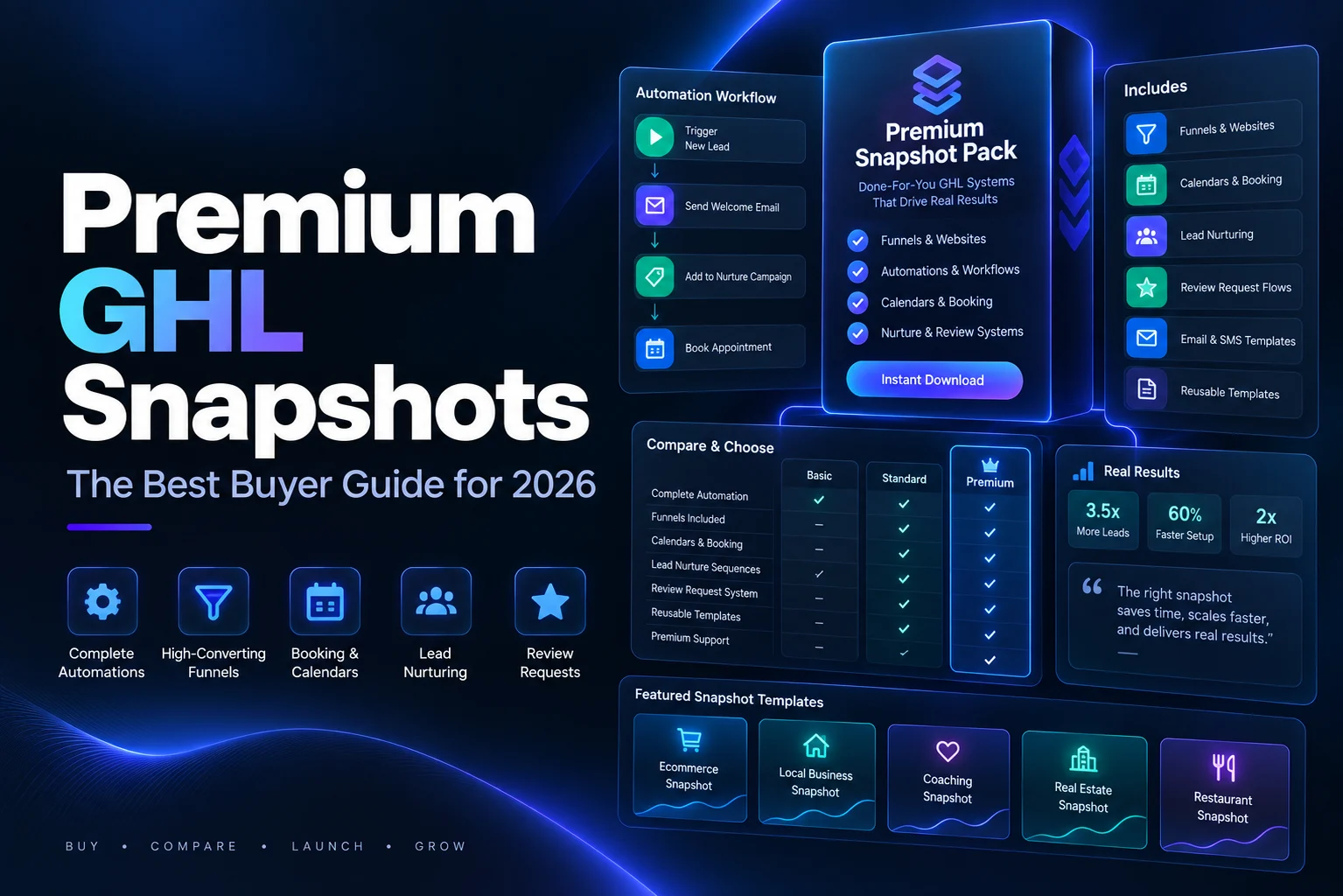
Most agencies waste their first six months in GoHighLevel rebuilding the same things over and over. The same pipeline. The same missed call text back. The same review request. Premium GHL snapshots exist to end that loop.
A snapshot is a saved copy of a sub account setup that you can load into any new sub account in minutes. The difference between a free one and a premium one is not the file format. It is what was thought through before the file was saved.
This guide explains what a snapshot really copies, what it never copies, and how to judge whether the snapshots you are looking at are worth paying for.
What premium GHL snapshots actually copy
This matters more than any sales page, so start here. The official HighLevel snapshots overview lists the assets that travel across twelve categories.
Workflows, triggers, Conversation AI, Voice AI agents, Agent Studio and Brand Voice all move. So do calendars, calendar groups, services, resources and add ons. On the data side you get custom fields, custom objects, custom values, pipelines, tags and trigger links.
Marketing assets move too. Funnels, websites, blogs, forms, surveys, quizzes, email templates, text templates, section templates and social planner content all carry across. You also get custom reports and dashboards, membership offers and products, certificates, webinars, documents, contracts, knowledge bases, review settings, WhatsApp templates, design kits and custom colors.
That is a very long list. It is why premium GHL snapshots can save weeks of work in a single import.
What no snapshot will ever copy
Now the part honest sellers tell you up front. The same documentation states that snapshots do not carry contacts, appointments, conversations, message history, reputation data, Stripe and third party integrations, phone numbers for Voice AI, private dashboards, or WordPress licences that need re authentication.
Read that list twice. If a seller promises that their premium GHL snapshots will bring your client data with them, they are either confused or not telling the truth. Snapshots move the machine. They never move the fuel.
The documentation also notes that some assets need extra configuration, integrations or approvals after loading before they work fully. A2P registration for text messaging is the usual example.
What makes premium GHL snapshots different from free ones
Free snapshots are everywhere. Most of them are somebody else demo account saved on a Friday afternoon. Here is what separates the paid ones that are worth it.
Complete journeys, not loose parts. A weak snapshot has forty workflows with names like Copy of Copy of New Lead. A strong one has a short chain that a new lead actually walks through, from form to text to booking to reminder to review request, with nothing dangling.
Custom values instead of hard coded text. Good premium GHL snapshots use custom values for business name, phone number, booking link and address. You change them once in settings and every email and text updates. Bad ones have the builder business name typed into ninety separate messages.
Clean naming. When you open the workflows folder, you should be able to tell what each one does without opening it. This one thing decides how quickly you can hand the account to a client or a team member.
Documentation. A setup guide that tells you which custom values to fill, which integrations to connect and what to test is worth more than another twenty workflows.
Updates. HighLevel ships changes constantly. Premium GHL snapshots that are maintained stay useful. One that was built two years ago and never touched will fight you.
How premium GHL snapshots are shared, and why it matters
Before you buy, understand how the seller will deliver the file, because it tells you a lot about how they run their business.
The official HighLevel sharing guide documents five link types.
- Permanent link. Anyone with the URL can import it, over and over, until the seller revokes it or deletes the snapshot
- One time share link. Expires after a single successful import, so the seller generates a new one for each buyer
- Email link. Works like a one time link, delivered straight to the recipient
- Agency restricted link. Unlimited imports, but only into the agency accounts the seller lists
- Sub account restricted link. Only one named sub account can import from it
Serious sellers of premium GHL snapshots use one time or restricted links. A permanent link handed round a Facebook group is a sign that whatever you are buying is already free somewhere else.
One more line from that documentation is worth remembering. Snapshots are always clones of a specific sub account at a specific moment. That means updates do not flow automatically into accounts you already built. New versions arrive as new links.
What premium GHL snapshots should include by industry
General purpose snapshots sound flexible and usually end up shallow. The best ones are narrow.
Home services. Speed to lead texting, an estimate request pipeline, job follow up and a review request that fires after the job is marked complete.
Medical and dental. Consultation booking, reminder sequences that cut no shows, recall campaigns and a straightforward intake form.
Fitness. Free trial signup, a nurture sequence that gets people through the door, class booking and a win back for lapsed members.
Real estate. Buyer and seller pipelines split properly, valuation request funnels and long term nurture, because these deals take months.
Legal. Case type qualification, consultation booking and follow up written to sound like a law firm rather than a gym.
Depth in one industry beats breadth across ten. That is the simplest test for premium GHL snapshots.
How to load premium GHL snapshots without breaking things
Load into a fresh sub account first. Never test a new snapshot in an account a client is already using, no matter how good the reviews were.
Then work through this order.
- Import the snapshot into a blank sub account
- Open custom values and fill every single one
- Connect your integrations, calendar, payment processor and phone number, since none of these come across
- Turn workflows on one at a time rather than all at once
- Submit a real test lead through the form and follow it all the way to a booked appointment
- Check that texts and emails arrive, and confirm your A2P registration is approved before you rely on SMS
Give it an hour. It saves days, and it is the only reliable way to find out whether the premium GHL snapshots you bought were built by someone who actually ran an agency.
Where premium GHL snapshots are sold
You will find them in three places. Independent stores like ours, the HighLevel app marketplace, and private sellers in communities.
The marketplace route has its own rules. According to the official marketplace documentation, submissions are reviewed within seven to ten days, only one snapshot can be attached to each app, and enabling the marketplace share link automatically switches on protection that stops buyers repackaging or reselling your assets. Sellers can list free, freemium or paid, including one time, monthly or yearly pricing.
That protection detail is the useful one for buyers. It tells you the platform itself treats snapshot content as intellectual property, which is exactly why the good ones are not free.
Questions to ask before you pay for premium GHL snapshots
- When was this last updated, and what changed
- Is there a setup guide, and can I see it before buying
- How many custom values do I need to fill in
- Which integrations do I have to connect myself
- Do I get future versions, and how are they delivered
- Is support included, and for how long
A seller of genuinely premium GHL snapshots answers all six without hesitating. If the answers are vague, the build is probably vague too.
Build your own or buy premium GHL snapshots
Build your own when your process is unusual, you have the time, and you want to learn the platform properly. That knowledge is worth having.
Buy when you are launching a new industry, onboarding clients faster than you can build, or you simply want a working structure to adapt rather than a blank screen. Most agencies buy first, then modify, then eventually build their own from what they learned.
Why premium GHL snapshots are worth the price
Put a number on the work instead of arguing about the price tag.
A serious industry setup is roughly thirty to fifty workflows, six to ten funnel or website pages, two or three pipelines, a full set of custom fields and values, calendars with reminder chains, form and survey builds, and email and text copy for every stage. If you built that yourself at a careful pace it is somewhere between forty and eighty hours of focused work, plus the testing.
Then add the part nobody counts. The first version you build yourself is never the version you keep. You learn what breaks by watching real leads fall through it, and you rebuild.
Good premium GHL snapshots are the second or third version of that build, already corrected. That is what you are actually paying for, not the file.
The comparison that matters is not paid against free. It is paid against the cost of your own hours plus the clients you onboard slowly while you build.
Red flags to walk away from
- No setup guide, or a setup guide that is one page of screenshots
- Claims that contacts, conversations or Stripe settings will transfer, which the documentation says they do not
- Workflow counts used as the headline selling point
- No answer about when it was last updated
- A permanent share link posted publicly
- Screenshots that show another agency branding still hard coded into the messages
Any one of these on its own is worth a question. Two or more and the snapshot is not premium, whatever the listing says.
Your next step
Pick one industry you already serve. Look at premium GHL snapshots built specifically for it, ask the six questions above, and load the winner into a blank sub account today.
Browse our GoHighLevel snapshot store to see how ours are documented, or read our guide to GoHighLevel snapshot templates and our walkthrough on how to create new snapshots in GoHighLevel if you would rather build your own.