Every agency reaches the same moment. You have built the same system four times, and on the fifth client you think there has to be a faster way.
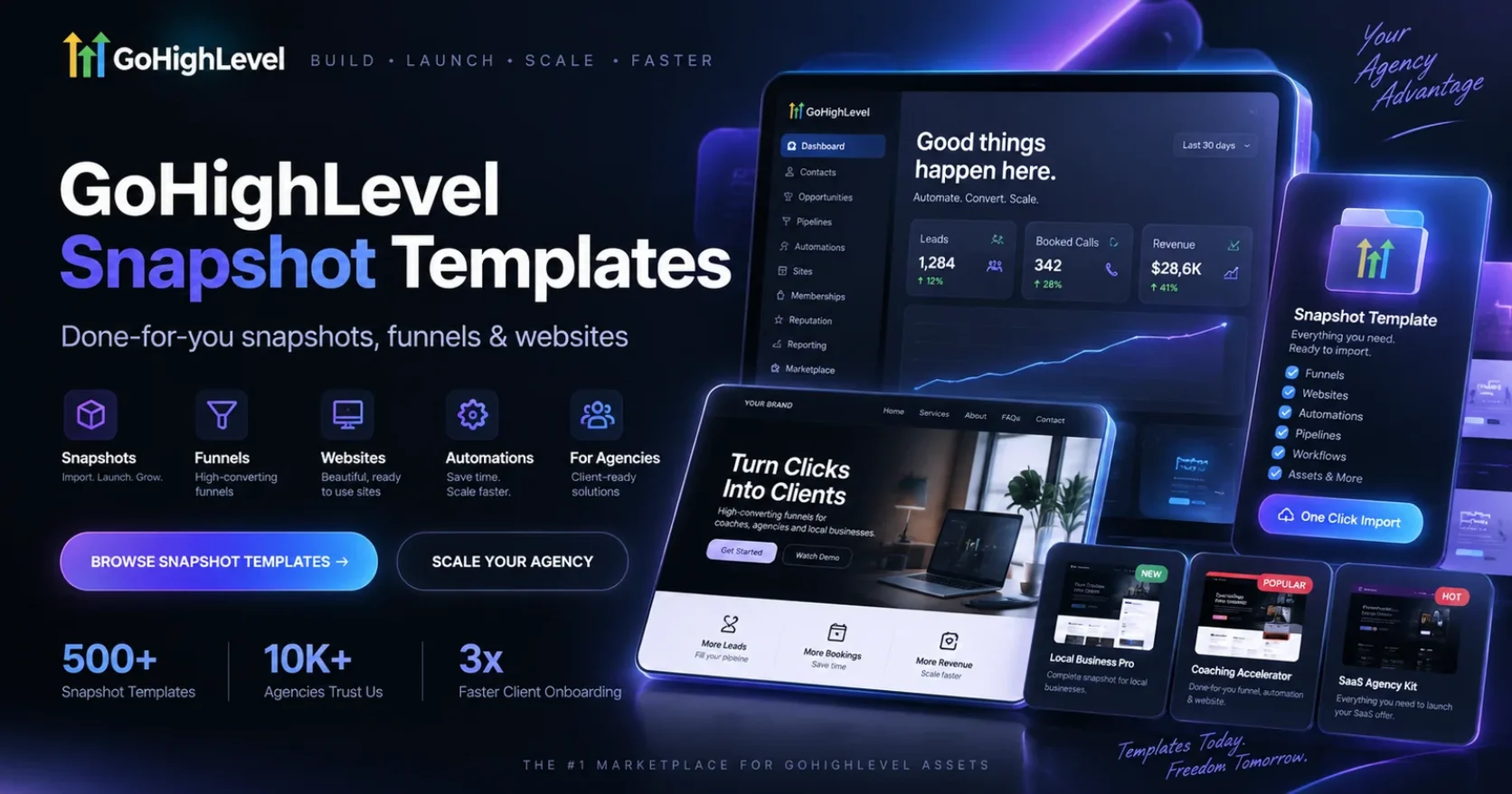
There is. GoHighLevel snapshot templates are saved copies of a working account that you drop into any other account you own. The structure appears in minutes instead of days.
This guide explains what these templates really contain, what they leave behind, how to judge one before you import, and how to build your own so you never start from an empty screen again.
What GoHighLevel snapshot templates actually are
A snapshot is a saved configuration of one sub account. When you import it, that configuration appears inside another account.
According to the official HighLevel snapshots documentation, a snapshot can copy workflows, funnels, forms, calendars, dashboards, custom fields, pipelines, email templates, blogs, campaigns and ad structures from the source sub account.
The same documentation is just as clear about what is excluded. Contacts, appointments, conversations, conversation history, messages, reputation data, live account activity, Stripe connections and third party integrations do not travel. Contact to contact associations are excluded too.
So GoHighLevel snapshot templates carry the machine, never the customers. Any seller who suggests otherwise is describing something the platform does not do.
Why agencies live on GoHighLevel snapshot templates
Building a solid account from scratch takes most people between forty and eighty hours. That is learning the workflow builder, writing every message, mapping the pipeline, and testing everything twice.
A good template removes all the structure work. You still connect the domain, buy the number, register for A2P and rewrite the wording in the client’s voice. But the thinking is already finished.
For an agency that difference decides your capacity. It is the gap between onboarding one client a month and onboarding one a week, without hiring anybody.
The three kinds of GoHighLevel snapshot templates
Not all templates do the same job, and mixing them up is where money gets wasted.
Base templates. Everything every client needs no matter what they sell. Missed call text back, appointment reminders, review requests, a simple pipeline, a contact form. Boring and valuable.
Niche templates. Built for one trade. A roofing template knows about storm response and inspection booking. A dental template knows about recalls and no show recovery. This is where the real time saving lives.
Offer templates. Built around one campaign rather than one industry. A webinar funnel, a free audit offer, a database reactivation campaign. You bolt these on top of a base.
The strongest agency libraries have one base, a handful of niche templates, and two or three offer templates. Anything more usually means the same system saved five times with a different logo.
What is inside good GoHighLevel snapshot templates
When you open one of the better GoHighLevel snapshot templates, you should find all of this.
- Workflows named in plain language, not Copy of Copy of Workflow 3
- A first reply that fires immediately, not an hour later
- Appointment reminders at sensible intervals with a confirmation step
- A pipeline whose stages match how a real team talks
- Forms that ask the questions that actually qualify a buyer in that trade
- Custom values for every business detail, so nothing is typed in by hand
- Email and text wording that sounds like a person wrote it
That last point is the one buyers check last and regret first. Open the templates and read them out loud. If they sound like a robot, you will rewrite every one, and the time you thought you saved is gone.
How to judge GoHighLevel snapshot templates before you buy
Six checks, ten minutes, and you will avoid almost every bad purchase of GoHighLevel snapshot templates.
1. Is it built for one trade?
A roofer and a fitness studio do not sell the same way. A template that claims to suit both is really suiting neither.
2. Is the asset list published?
Good sellers tell you exactly how many workflows, funnels, calendars and pipelines are inside. A pretty mockup and the word premium means you are buying blind.
3. Is delivery instant?
You should get an import link straight after payment. Waiting three days for a human to email it is a sign of a side project rather than a store.
4. When was it last rebuilt?
GoHighLevel changes constantly. Workflow actions get added, features get renamed, old triggers get retired. Anything older than about a year will have broken pieces.
5. Does the seller use it themselves?
A shop that only resells files has no reason to keep them current. A team that installs the same GoHighLevel snapshot templates in live client accounts finds the broken pieces long before you do.
6. Is there a written refund policy?
Digital products are hard to refund, so many sellers offer nothing. A published policy tells you they expect the product to work.
What GoHighLevel snapshot templates cost
Pricing for GoHighLevel snapshot templates splits into three honest bands.
Free. Usually a lead magnet. Thin structure and an upsell. Fine for learning, weak for client work.
Around fifty to one hundred dollars. Where most serious single niche templates sit. At the time of writing our own niche snapshots are listed at $59 and cover trades like roofing, HVAC, plumbing, real estate, mortgage, life insurance, fitness, coaching and cleaning.
Several hundred dollars. Bundles and full agency systems, often with resell rights. These make sense when you serve several industries or plan to sell setups on.
Remember the platform sits on top of any template price. The official HighLevel pricing page lists plans from $97 a month.
How to build your own GoHighLevel snapshot templates
Buying is faster. Building is yours forever. Most agencies end up doing both.
The official HighLevel guide to creating snapshots makes the process short. Switch to Agency View, open Account Snapshots, click Create New Snapshot, name it, pick the source sub account, choose the assets and click Create.
The button is easy. The preparation is what matters.
Before you capture anything, tidy the source account. Delete abandoned test funnels. Rename every workflow so a stranger could explain it. Remove test contacts and personal phone numbers. Replace every hard coded business detail with a custom value.
Then import it into a clean empty sub account and fix whatever breaks. That single step is the only reliable way to find the things that only worked because they lived in your original account.
Custom values are what separate good templates from great ones
If you take one idea from this guide, take this one.
A custom value is a placeholder you set once per account. Business name, booking link, office phone, main offer. Every email, text and page then pulls from that placeholder.
Build your GoHighLevel snapshot templates this way and onboarding a client becomes filling in a short form. Build them with the business name typed into forty places and every client becomes a search and replace job.
This one habit is the difference between agencies that onboard in a day and agencies that take a week.
Your first hour after importing a template
Do these seven things in order and even the biggest GoHighLevel snapshot templates go live the same day.
- Set the business name, time zone and business hours
- Connect the domain and set up email sending with the correct DNS records
- Buy a phone number and start A2P registration straight away, because approval takes time
- Open every custom value and fill in the real details
- Read every message out loud and rewrite anything that does not sound right
- Rename pipeline stages to match how the team speaks
- Send a test lead through the form and confirm the automation fires
Always be your own first lead. It is the step people skip and the one that catches everything.
Mistakes that waste money on GoHighLevel snapshot templates
Importing into a live client account. Always test in a clean sub account first. An import can overwrite settings, and undoing that in front of a paying client is not a good day.
Buying a bundle for the discount. Ninety templates for one price sounds like value until you realise you will only ever open one.
Leaving placeholder wording in place. Nothing damages trust faster than a client receiving a text that still says Your Business Name Here.
Turning on automation before A2P approval. The workflow runs, the messages look sent inside the platform, and the carrier quietly drops them.
Keeping fifteen templates. When a platform update breaks something, you now have fifteen files to fix instead of three.
Keeping your library healthy
GoHighLevel snapshot templates are products, not files you save once and forget.
Keep a change log with one line per change and the date. Version the names, so Roofing System v3 rather than Roofing System New. And set a date once a quarter to import each template into a clean sub account, run a test lead through it, and fix anything that broke.
That single hour every three months keeps every future client onboarding smooth.
Your next step
Pick the one trade you serve most often. If a tested template already exists for it, buy it and spend your time on the wording instead of the wiring.
Browse our GoHighLevel snapshots to see the full asset list on every product, read our guide to the best GoHighLevel snapshots if you want the buyer checks in more depth, or follow our walkthrough on how to create new snapshots in GoHighLevel if you would rather build your own.