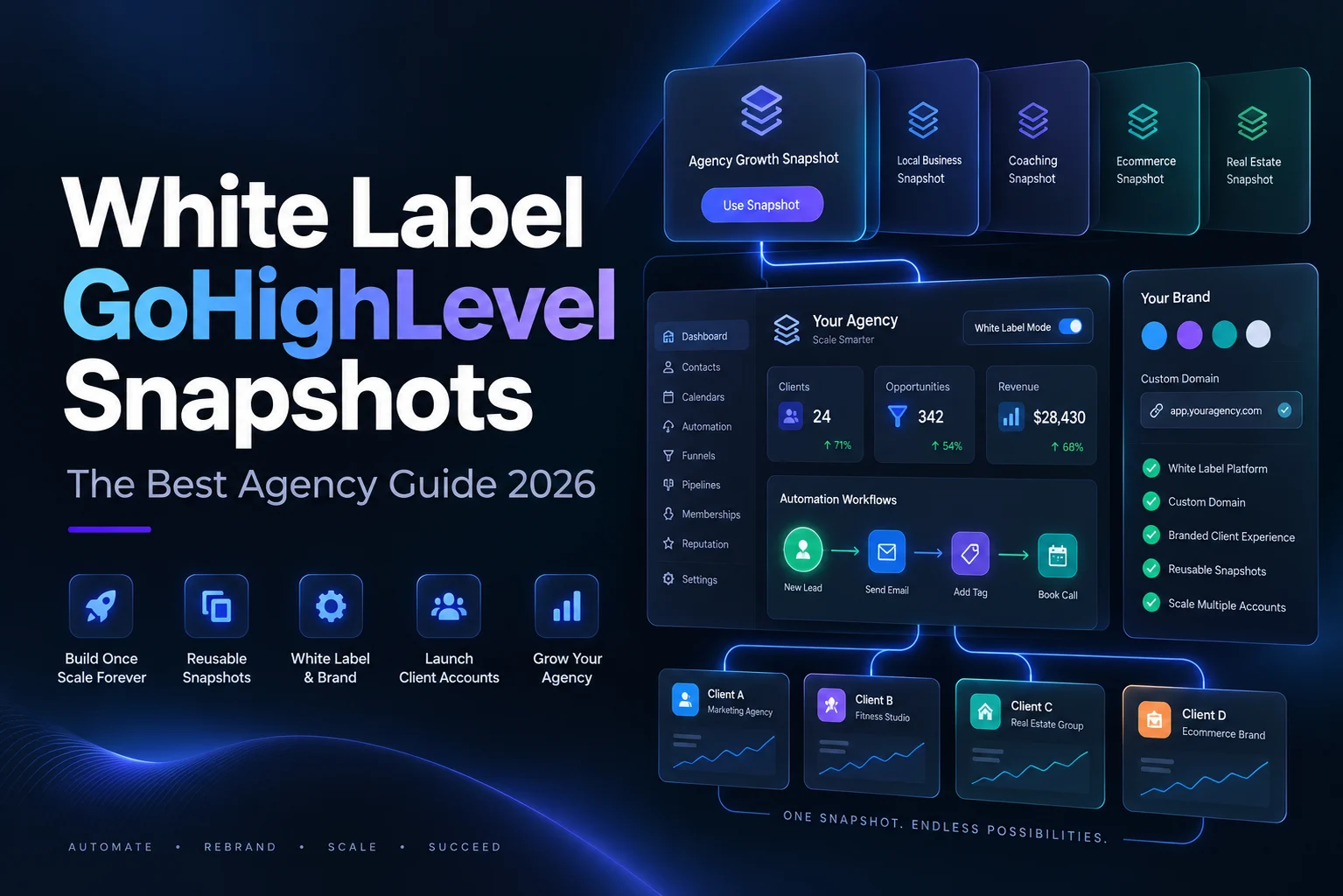
Selling GoHighLevel under your own brand is one of the best business models in marketing right now. Your clients log in to your domain, use your app, and never see the platform underneath.
White label GoHighLevel snapshots are what make that model scale. Without them you rebuild every client account by hand. With them you load a finished, branded setup into a new sub account and hand over the login the same day.
This guide covers what the branding layer actually is, what snapshots do and do not carry, and how to build white label GoHighLevel snapshots that stay clean when they are copied fifty times.
What white label really means in HighLevel
White labelling is not one switch. It is a set of domains and app settings you configure once at agency level.
According to the official HighLevel domain setup documentation, the whitelabel domain is created with a CNAME record pointing to whitelabel.ludicrous.cloud, and HighLevel recommends using a sub domain, with app being the most common choice among agencies.
The API or branded domain uses a CNAME to brand.ludicrous.cloud, and the client portal domain, which covers communities and courses, uses a CNAME to clientportal.ludicrous.cloud.
The documentation carries one warning worth repeating. For both the API and branded domains you must use a sub domain, because using a root domain will point that domain away from your website. Agencies have taken their own site offline this way.
Set these up before you deliver your first account and before you load any white label GoHighLevel snapshots into it. Changing the login domain after clients are already using it is a support headache you do not need.
Where white label GoHighLevel snapshots fit
The domains handle the wrapper. The snapshot handles everything inside it.
A snapshot is a saved copy of one sub account configuration that loads into another. The official HighLevel snapshots overview lists what transfers across twelve categories, including workflows, triggers, Conversation AI, Voice AI agents, calendars and services, custom fields, custom objects, custom values, pipelines, tags, funnels, websites, blogs, forms, surveys, quizzes, email and text templates, memberships, documents, contracts, knowledge bases, review settings, design kits and custom colors.
That single list is why white label GoHighLevel snapshots are worth building carefully. Nearly everything a client sees inside the platform can be prepared in advance.
What white label GoHighLevel snapshots never carry
The same documentation is equally clear about what stays behind. Contacts and customer records, appointments, conversations, message history, reputation data, Stripe and other third party integrations, phone numbers for Voice AI, private dashboards, and WordPress licences that require re authentication all do not transfer.
Plan your onboarding around that. Every new client still needs their payment processor connected, their number provisioned, their A2P registration approved and their calendar linked. White label GoHighLevel snapshots remove the build work, not the connection work.
Write those connection steps into a checklist once. It becomes the shortest part of your onboarding.
Building white label GoHighLevel snapshots that stay clean
Here is the difference between a snapshot that copies well and one that quietly embarrasses you in front of a client.
Custom values for every piece of branding. Business name, phone number, address, booking link, logo URL, website URL. Every email and text should pull from these rather than containing typed text. When you load the snapshot for a new client you fill the values once and the whole account is theirs.
No agency name anywhere in client facing content. Search your emails, texts, funnels and forms for your own brand before you save the snapshot. This is the single most common mistake in white label GoHighLevel snapshots, and clients always find it.
Neutral design that accepts a logo. Build funnels and websites so that swapping the logo and two brand colours makes them look bespoke. Design kits and custom colors transfer, so use them properly.
Naming that survives handover. Name workflows for what they do. New Lead Speed To Lead beats Workflow 14. Your clients and your team will both read these.
A written setup guide. List the custom values, the integrations to connect and the tests to run. If you ever hire someone to do onboarding, this document is the job.
Choose what goes into your white label GoHighLevel snapshots
You do not have to include everything. The official HighLevel snapshot management guide describes selective asset snapshots, where you see a list of all assets in the sub account and tick only the ones you want included.
Use it. Smaller white label GoHighLevel snapshots load faster and confuse people less.
The same guide covers refreshing. Click the refresh icon on an existing snapshot and add or remove assets to match what changed, rather than rebuilding the whole thing. It also documents Force Create Snapshot, which saves every asset that loaded successfully and gives you a summary report of anything skipped, so a single problem asset does not block the build.
Delivering white label GoHighLevel snapshots to clients
How you share matters as much as what you built.
The official HighLevel sharing documentation lists five link types. A permanent link works for anyone with the URL until you revoke it. A one time share link expires after a single successful import. An email link behaves the same way. An agency restricted link allows unlimited imports but only into the agency accounts you list. A sub account restricted link works for one named sub account only.
For your own client accounts, load the snapshot directly when you create the sub account. For partners or buyers, use one time or restricted links so your work does not get passed around.
Remember the line in that documentation about snapshots being clones of a sub account at a moment in time. Improvements you make later do not flow into accounts you already delivered. Decide now how you will handle version updates, because at fifty clients this becomes a real question.
Branded apps and the SaaS layer
Many agencies pair white label GoHighLevel snapshots with a branded mobile experience so the client never touches HighLevel branding at all.
HighLevel documents a white label mobile app that can carry your app name, app logo, primary colour, light and dark splash screens, top and bottom navigation bars, and custom login screen logos, title, subtitle and button text.
Separately, the client portal branded mobile app guide describes an option found under Sites, Client Portal, Settings, Branded Mobile App, where the agency pays HighLevel 79 dollars per month per location and collects payment from the client through the agency Stripe account.
Check current pricing on HighLevel own pages before you build it into your offer, because platform pricing changes.
A practical rollout order for white label GoHighLevel snapshots
- Set up your whitelabel, API and client portal domains and confirm the DNS records resolve
- Build one industry sub account properly, using custom values for every piece of branding
- Test it with a real lead from form to booked appointment to review request
- Strip out anything that names your agency in client facing content
- Save it as a snapshot using selective assets
- Load it into a blank sub account and see what breaks, because something always does
- Fix, refresh the snapshot, and write the setup guide
- Only then use it for a paying client
Agencies that skip step six find their errors in front of the client instead.
Common mistakes with white label GoHighLevel snapshots
- Agency branding left inside email and text templates
- Hard coded business details instead of custom values
- Expecting contacts, conversations or Stripe settings to transfer
- Turning every workflow on at once and getting a flood of test messages
- Using a root domain for the API or branded domain, which points your website away
- Never updating the snapshot, so new clients get last year setup
Pricing your service around white label GoHighLevel snapshots
Once the snapshot exists, your delivery cost drops sharply. That changes what you can charge and how you charge it.
Setup fee plus monthly. The most common model. The setup fee covers connecting integrations, filling custom values and training, and the monthly covers the software plus support. Because the build is already done, the setup fee is paid for by an afternoon of work rather than a fortnight.
Monthly only with a contract. Lower barrier for the client, better lifetime value for you, and it works because your delivery time is short.
Industry packages. Build one strong snapshot per industry and sell that industry a finished system rather than a blank CRM. This is where good white label GoHighLevel snapshots earn the most, because the client is buying an outcome they recognise.
Check the official HighLevel pricing page for your own platform cost before you set client prices, and remember that agency plans include a free trial period you can use to build and test.
How to keep versions under control
This is the problem nobody thinks about until client number twenty.
Because a snapshot is a clone of a moment, your improvements do not reach accounts already delivered. Three habits keep it manageable.
- Version your snapshot names with a date, so you always know which client got which build
- Keep a short change log of what you altered and why
- Decide which changes are worth pushing to existing clients and which only apply to new ones
Agencies that treat their white label GoHighLevel snapshots like software releases stay calm at scale. The ones that treat them as a one off file do not.
Your next step
Pick your single best client account. Go through it and replace every hard coded business detail with a custom value, then search it for your own agency name.
That one pass turns an ordinary account into the base for white label GoHighLevel snapshots you can sell or deploy for years. Browse our GoHighLevel snapshot store for ready built industry setups, or read our guides to GoHighLevel snapshot templates and creating new snapshots in GoHighLevel.